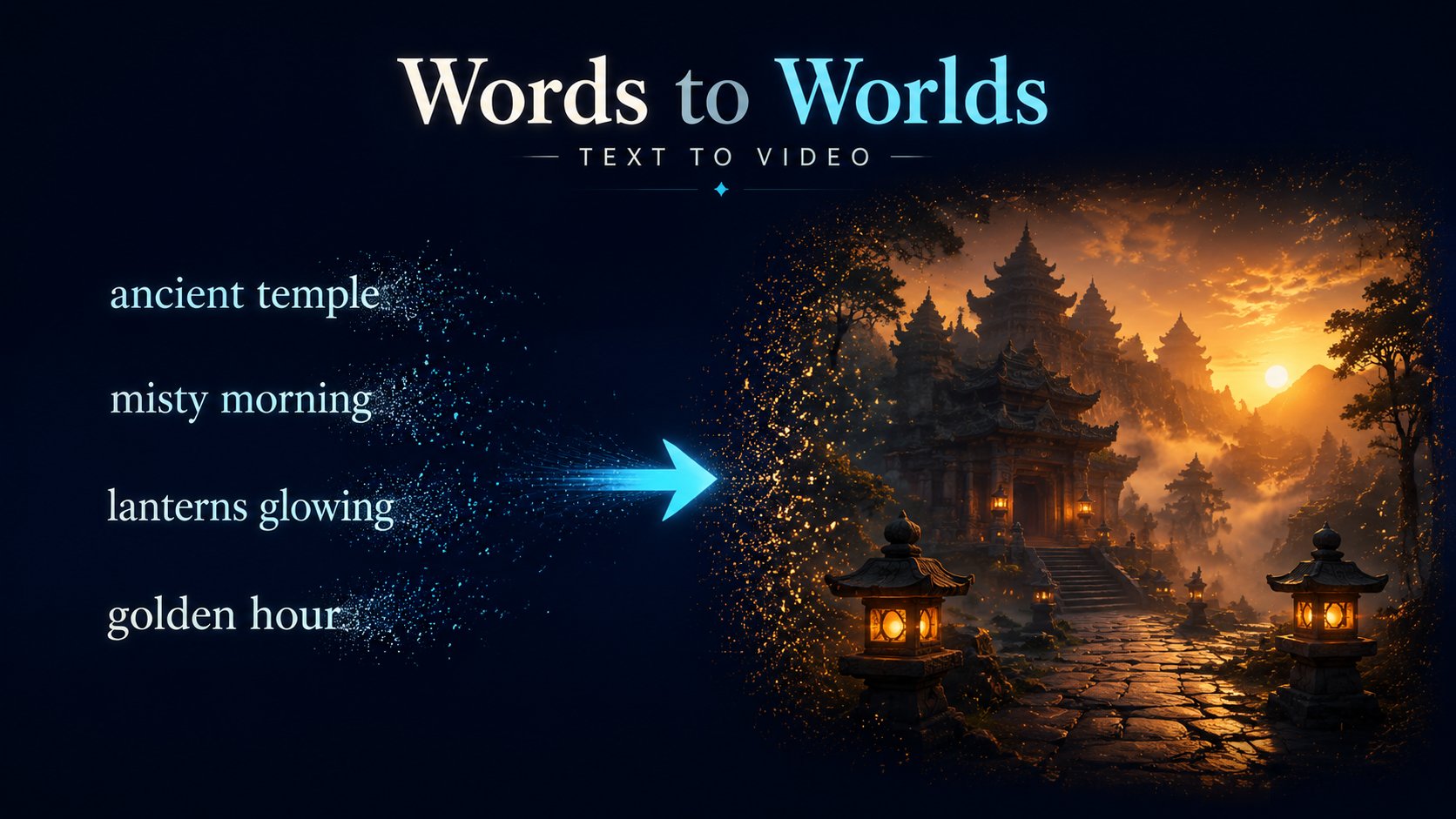
Text to Video AI
Describe any scene and watch it come to life with cinematic fidelity — start free on Yinatrix.
 Yinatrix
AI Power / Video Model
ByteDance Seedance AI Video Generator — The World's First Truly Multimodal AI Video Engine.
Text. Images. Audio. Video. All converge into cinema-quality output — with native sound.
Jimeng AI Video · ByteDance Video Foundation Model · One-Take AI Video · Multimodal Chinese Video Generation
#1 on SeedVideoBench-2.0 · 4-Modal Input · One-Take Shots
Seedance 2.0 doesn't convert text into video — it orchestrates multimodal video generation from every creative input together. Upload reference photos for character identity. Drop in music for rhythm and mood. Provide example footage for camera style. Then describe your vision. Seedance synthesizes everything into a single, cohesive cinematic piece — visuals and audio generated together, perfectly synchronized. Supports mixed Chinese and English prompts for Jimeng-style video generation and ByteDance video foundation model workflows.
See It in Action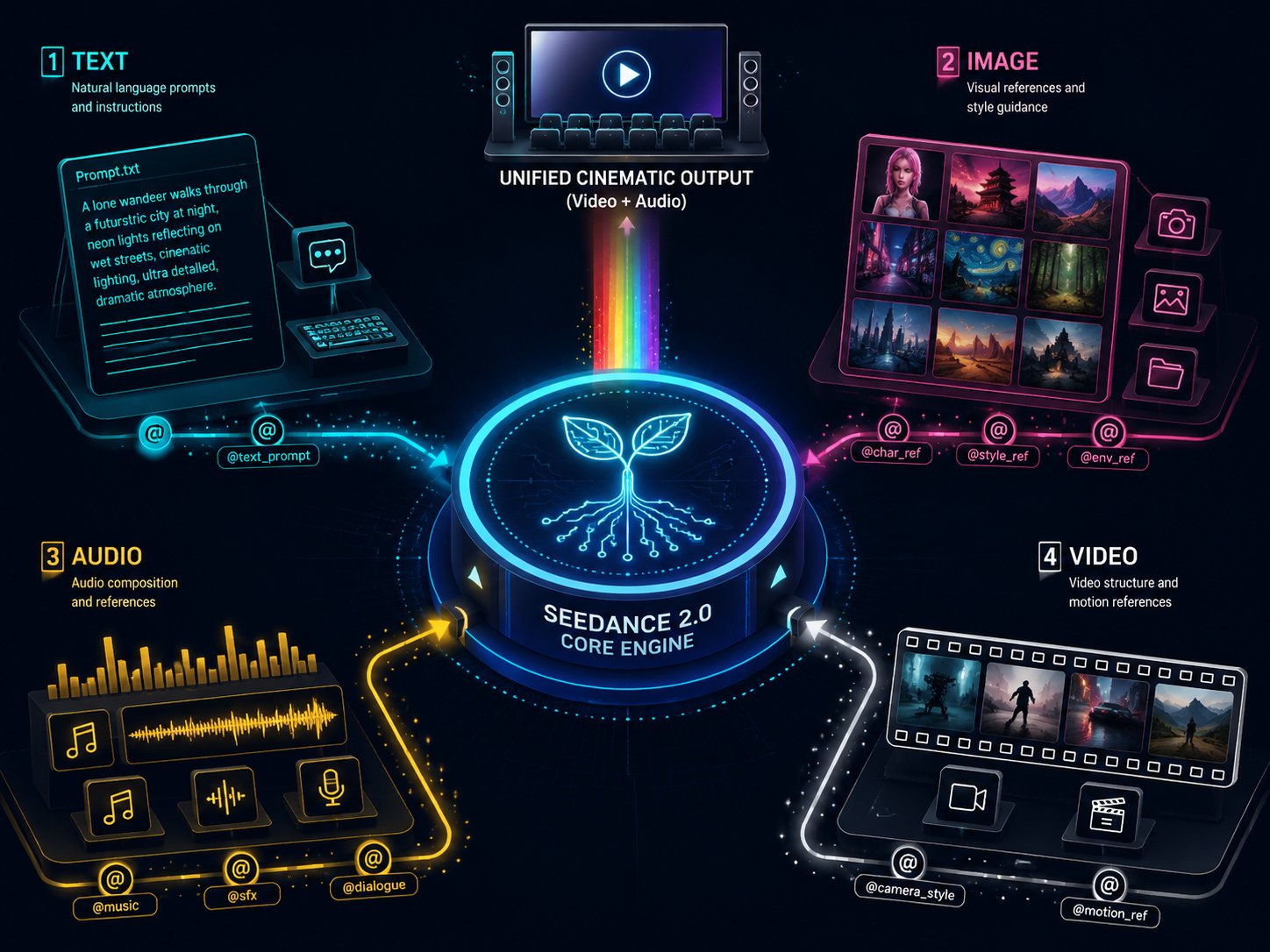
Tell Seedance Exactly How Each Asset Contributes.
Upload up to 9 images, 3 video clips, and 3 audio tracks — then use natural language @mentions to assign each asset a specific role. Character reference? Style template? Camera motion guide? Music bed? You decide. Seedance executes.
Describe any scene and watch it come to life with cinematic fidelity — start free on Yinatrix.
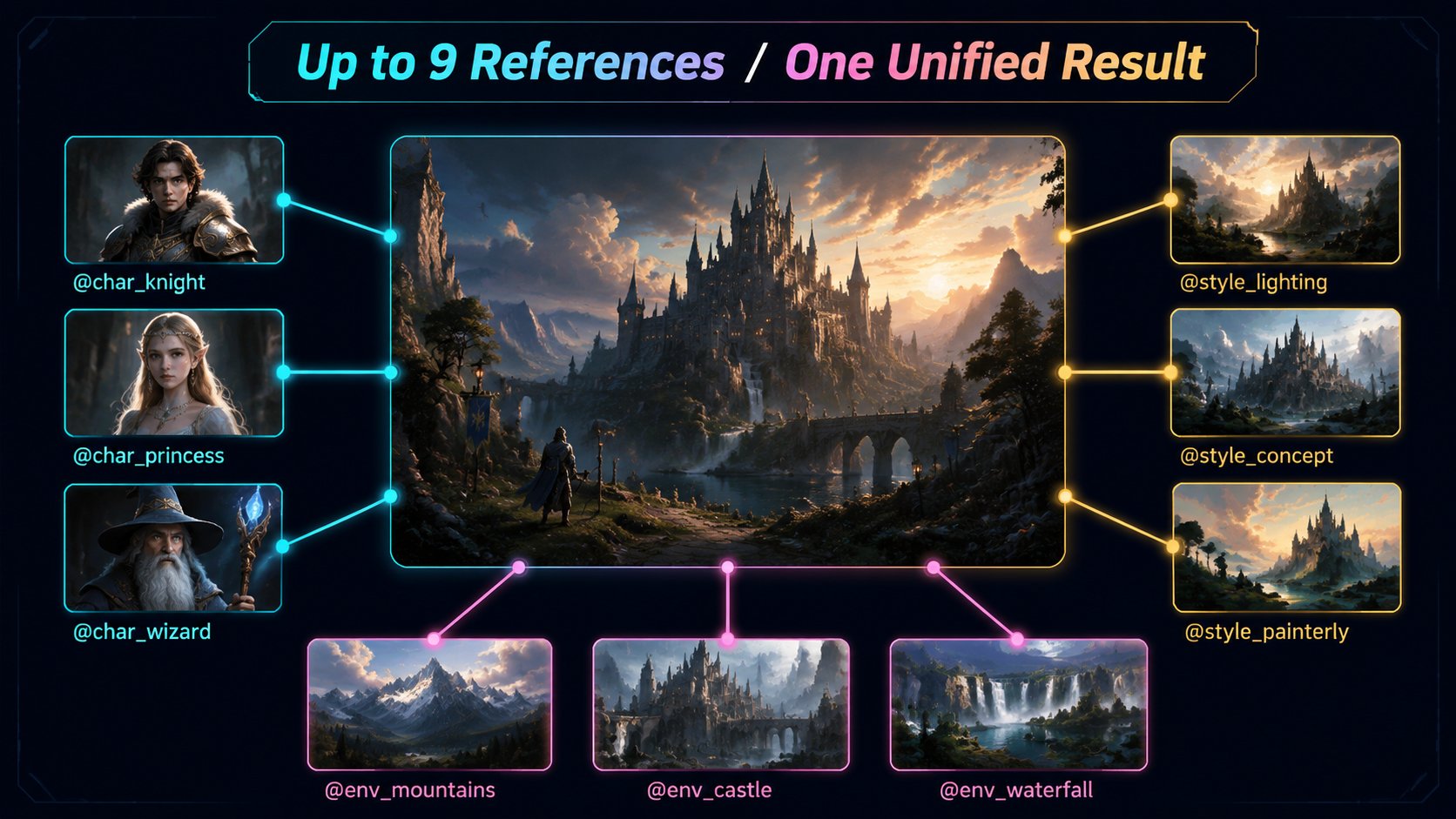
Upload reference photos as character identity, environment, or style via @mention.
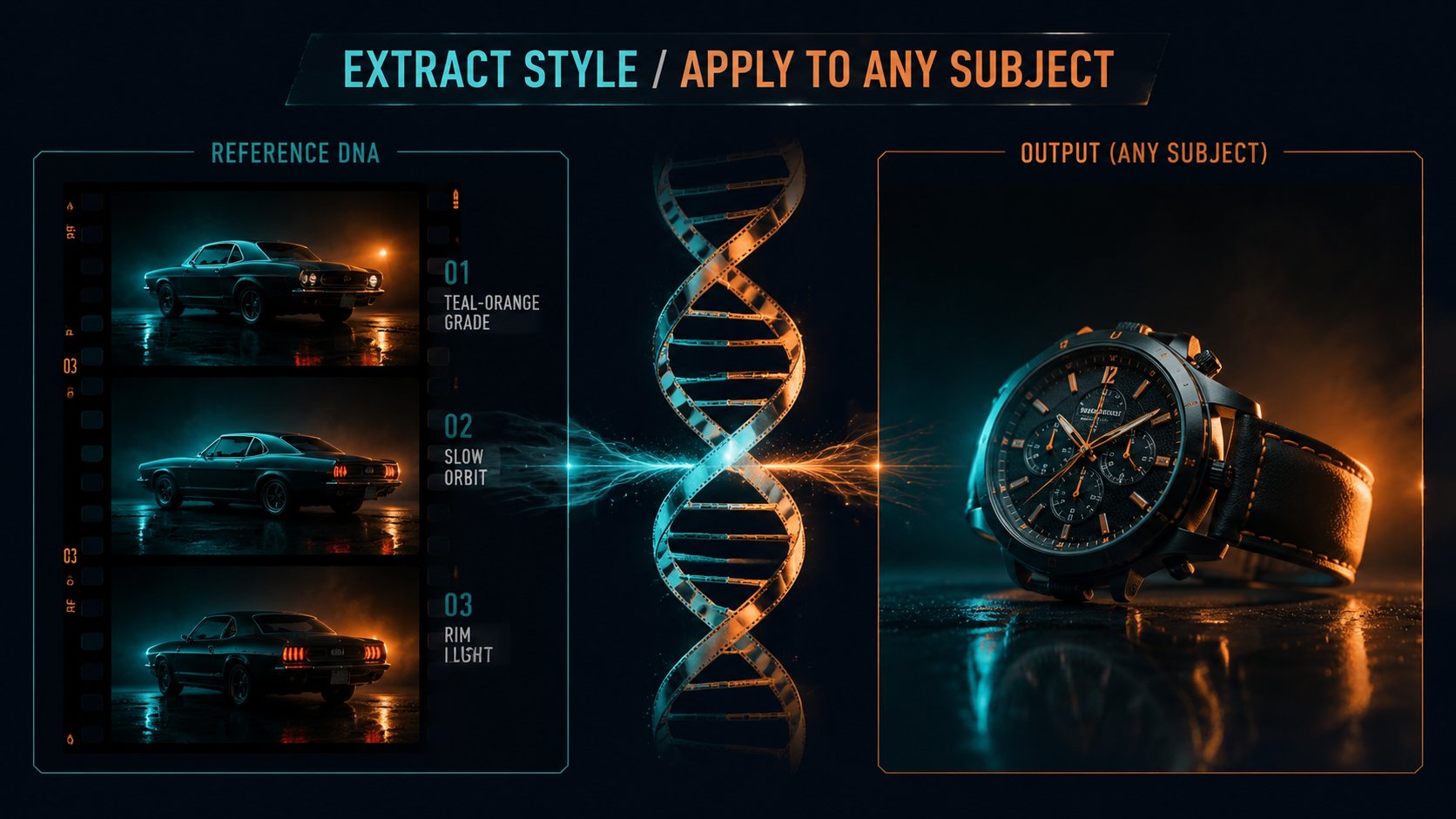
Provide video clips as motion reference. Extract camera technique, rhythm, pacing.
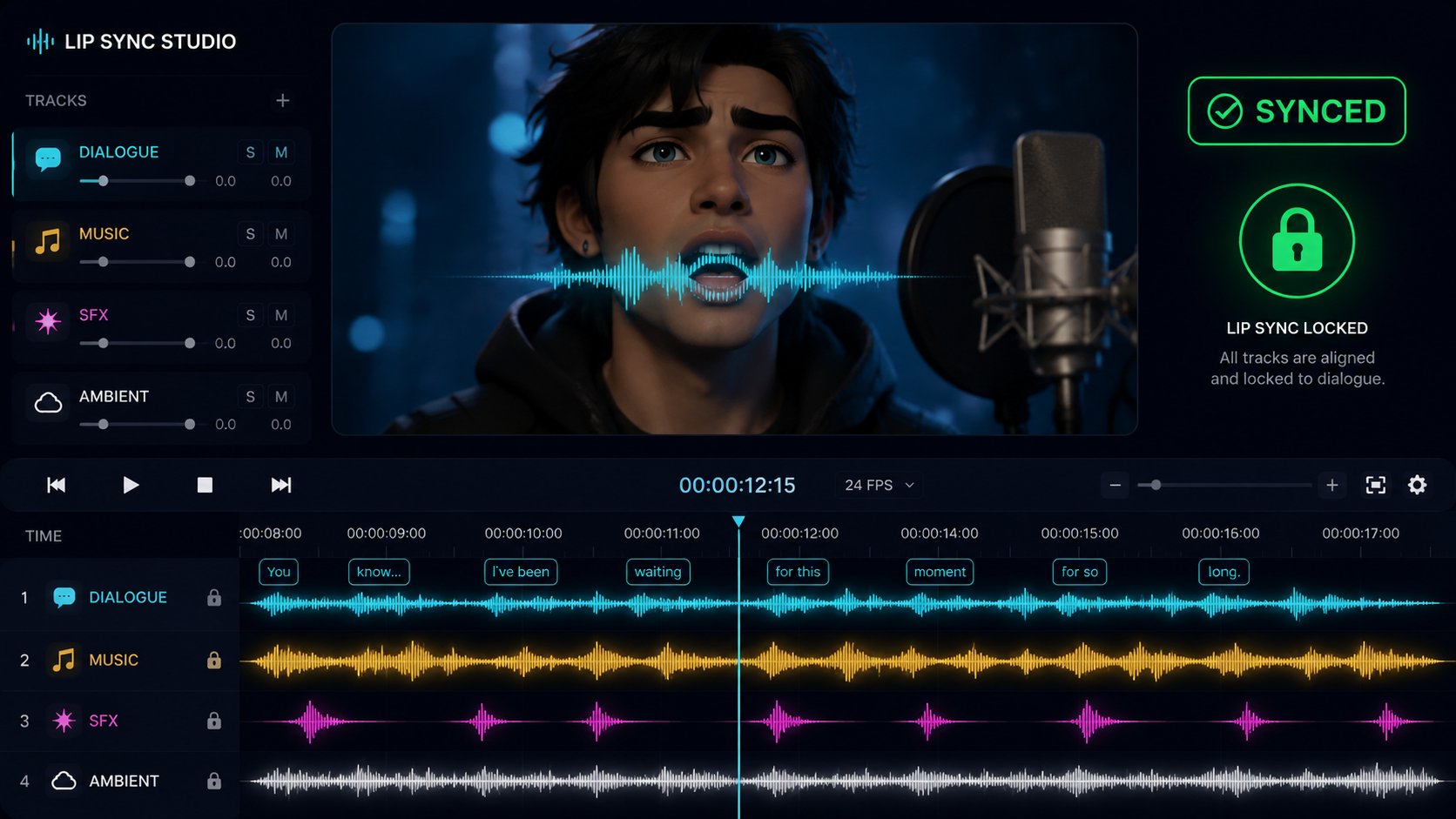
Generate dialogue with ai video lip sync, SFX, ambient soundscapes, and score in one pass.
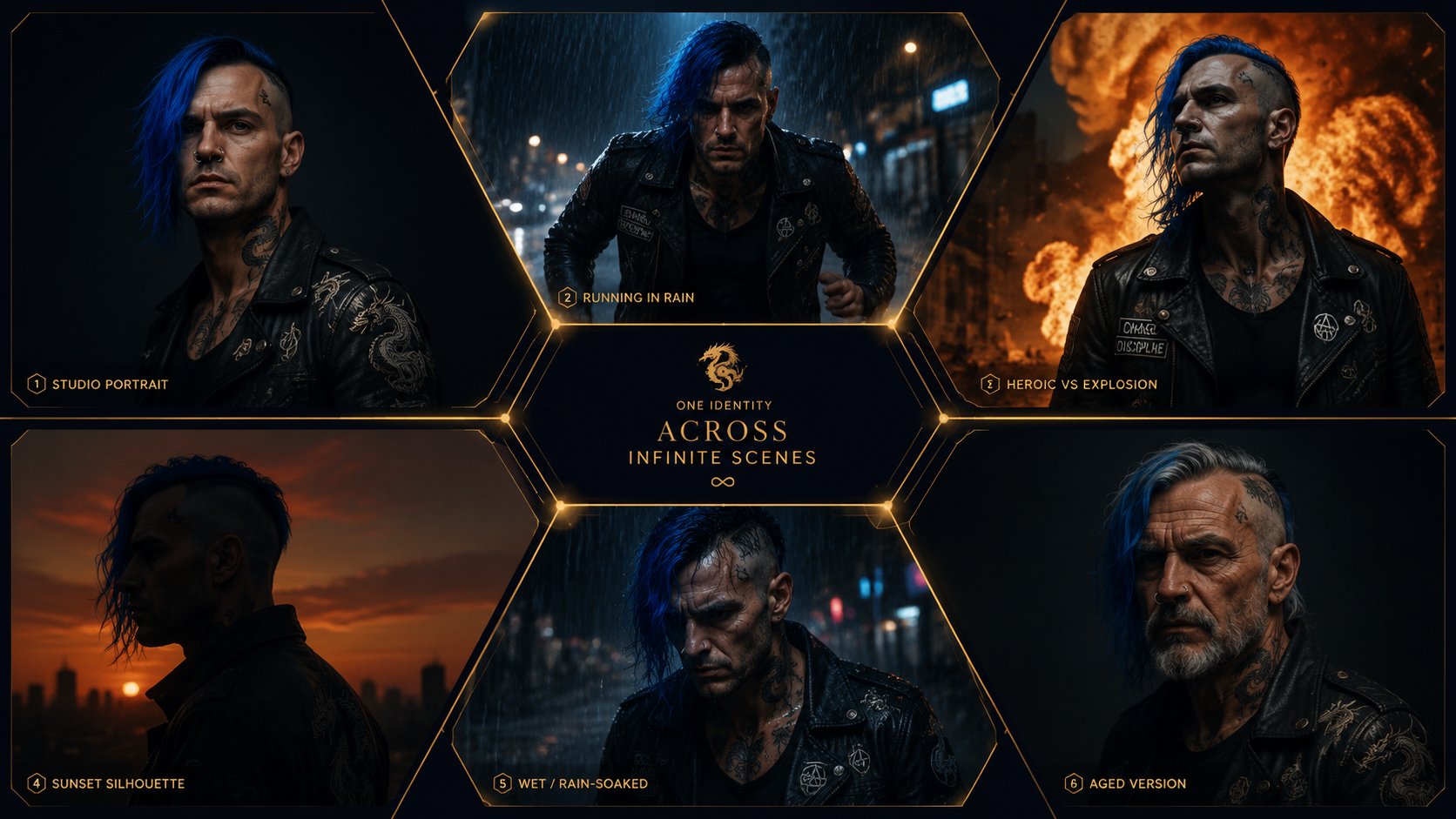
Maintain perfect identity across unlimited frames, angles, lighting, and scenes.
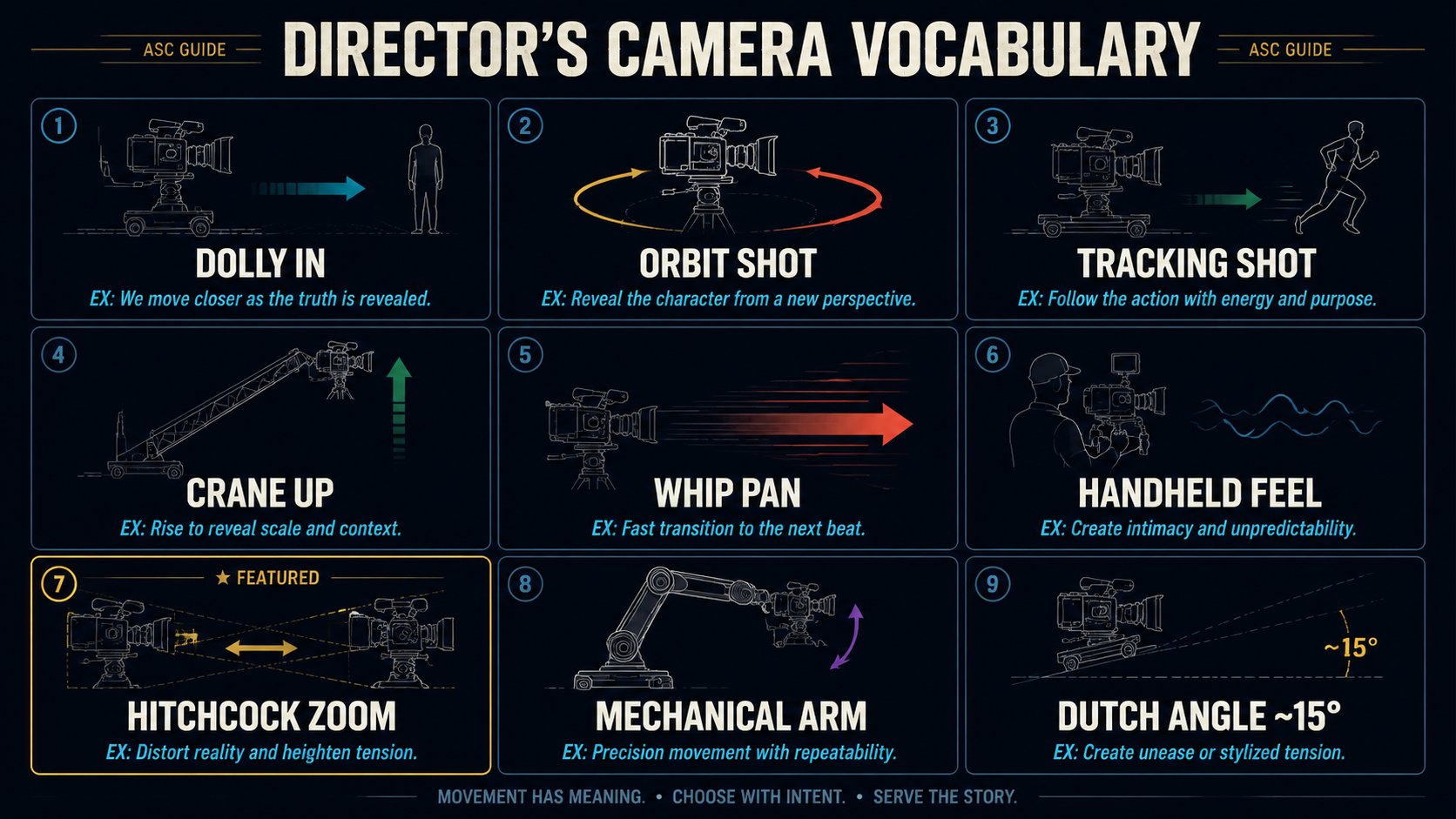
Command any shot: Hitchcock zoom, orbit, crane, dolly, whip pan, Dutch angle.
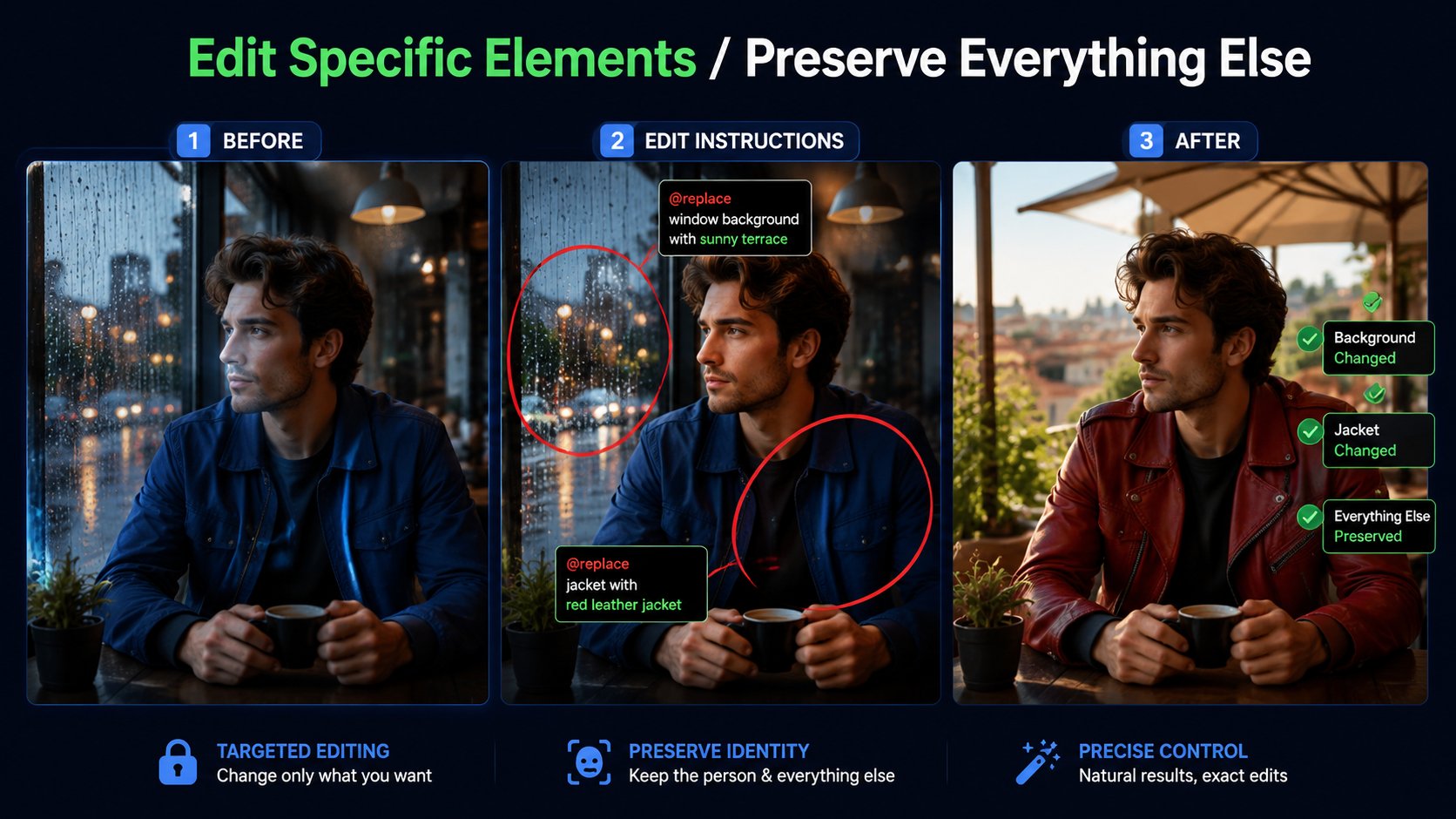
Swap characters, add or remove objects, change clothing or backgrounds — no full regenerate.
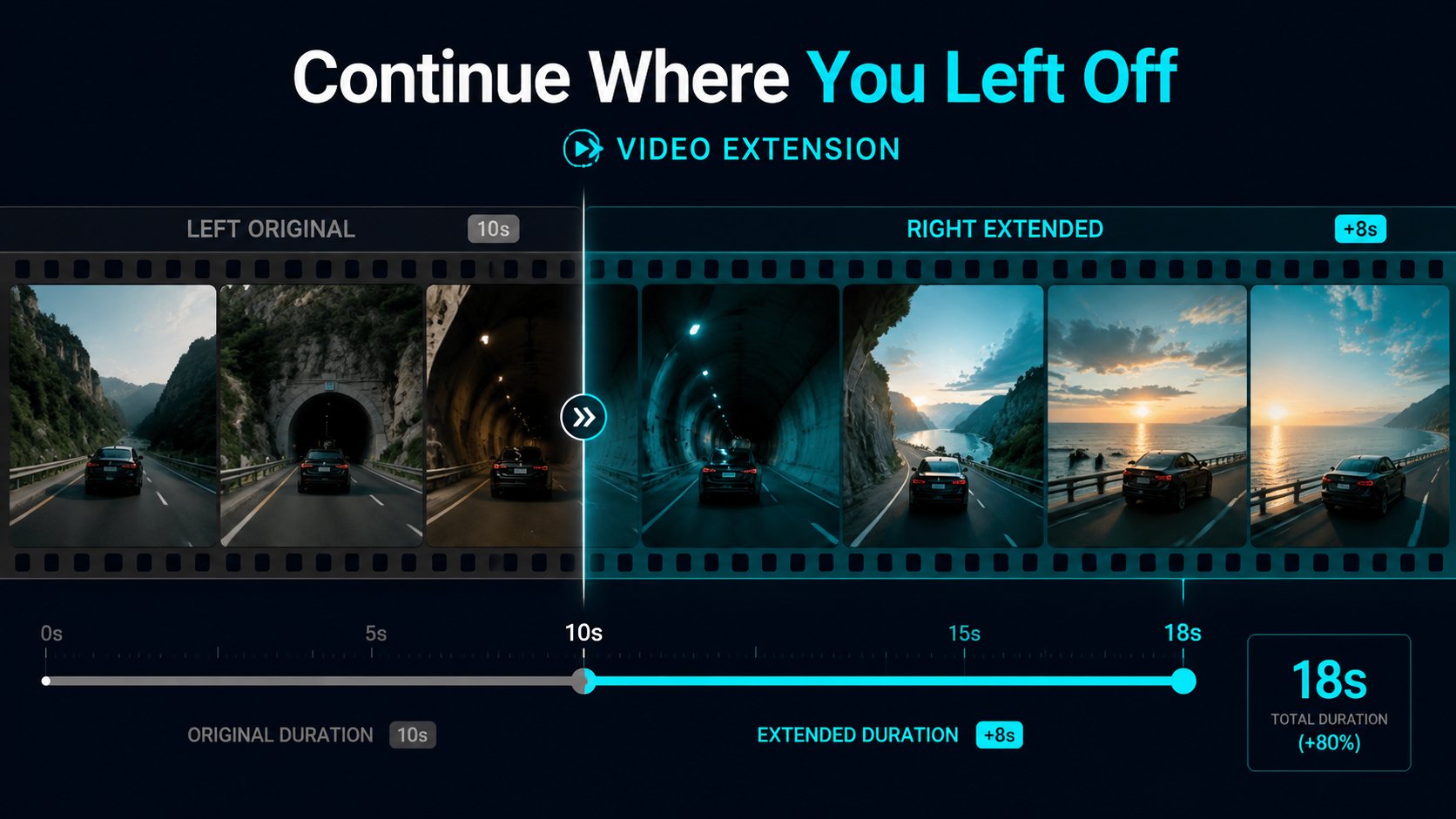
Seamlessly continue clips beyond the endpoint. Preserve temporal and spatial coherence.
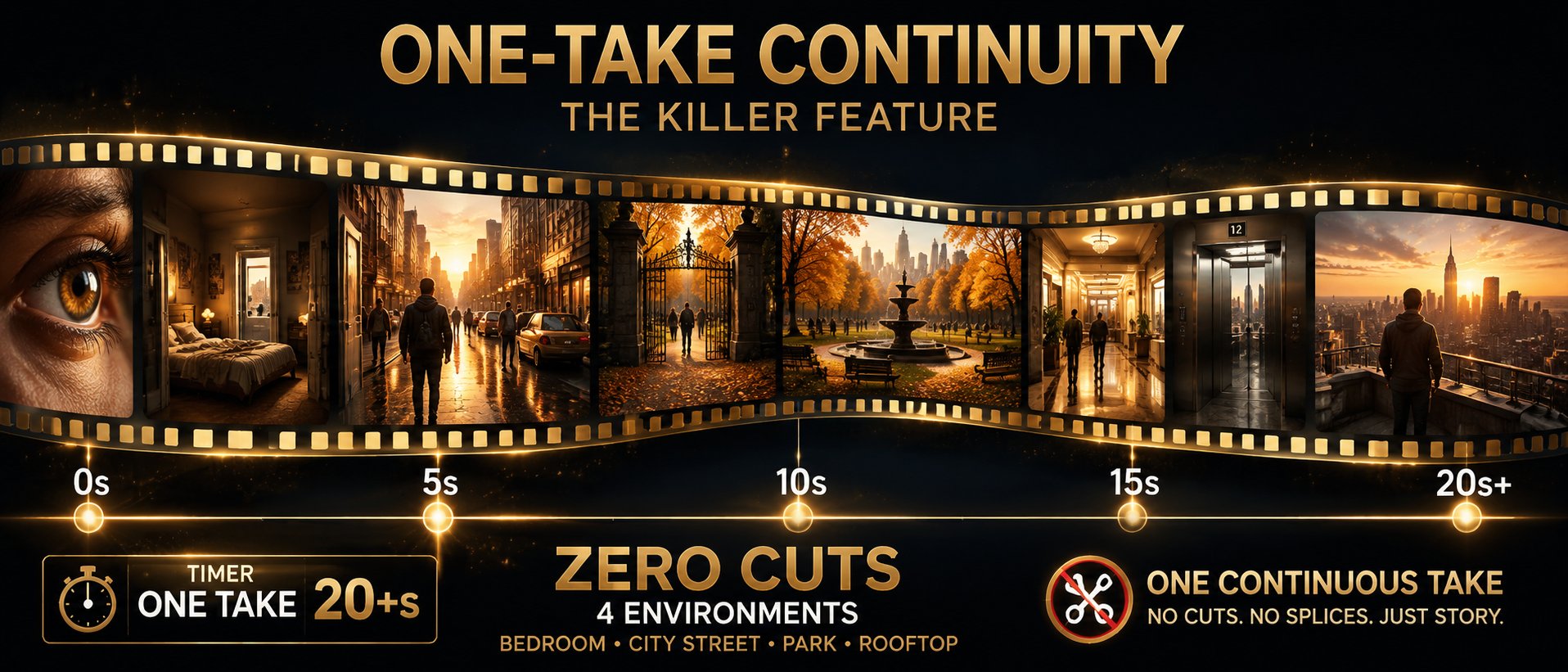
Uninterrupted long takes through multiple scenes without cuts. Children of Men / Birdman quality from AI.
Text to video AI free — combine image, audio, and video references in one workflow.
From a simple sentence to cinematic scene. Describe it. Seedance films it.
Upload a still image. Seedance animates with natural motion and physics-aware dynamics.
Drop a music track. Seedance generates visuals matching rhythm, mood, and emotional arc.
Provide a reference clip. Seedance learns visual DNA and applies it to a new subject.
Generate AI一镜到底 uninterrupted long takes traveling through completely different environments — no cuts, no edits, no post-production stitching. Just one continuous AI-generated shot rivaling Hollywood's best.
Experience One-TakeDescribe the shot in plain English. Seedance executes it like a seasoned DP with decades of experience.
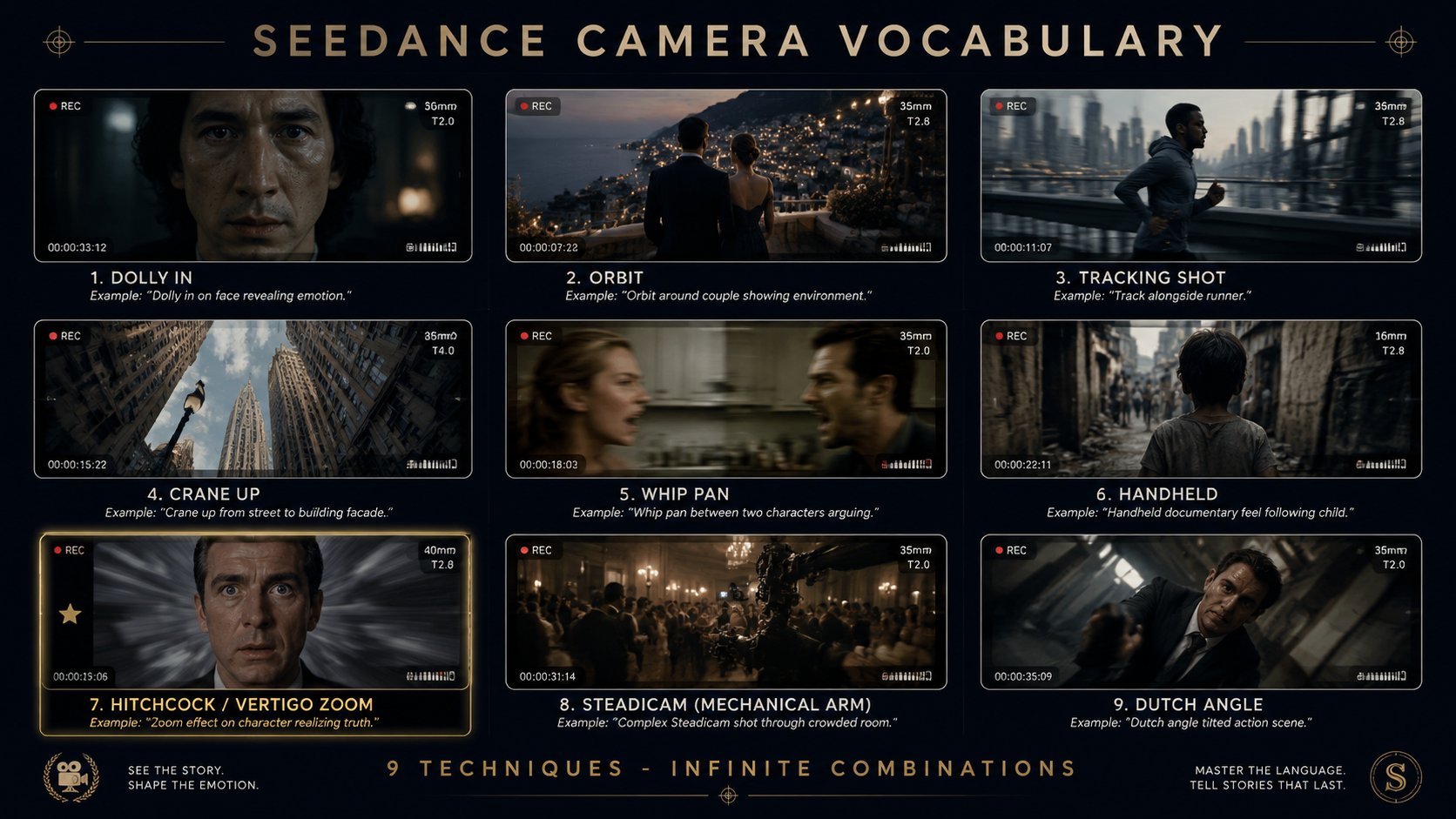
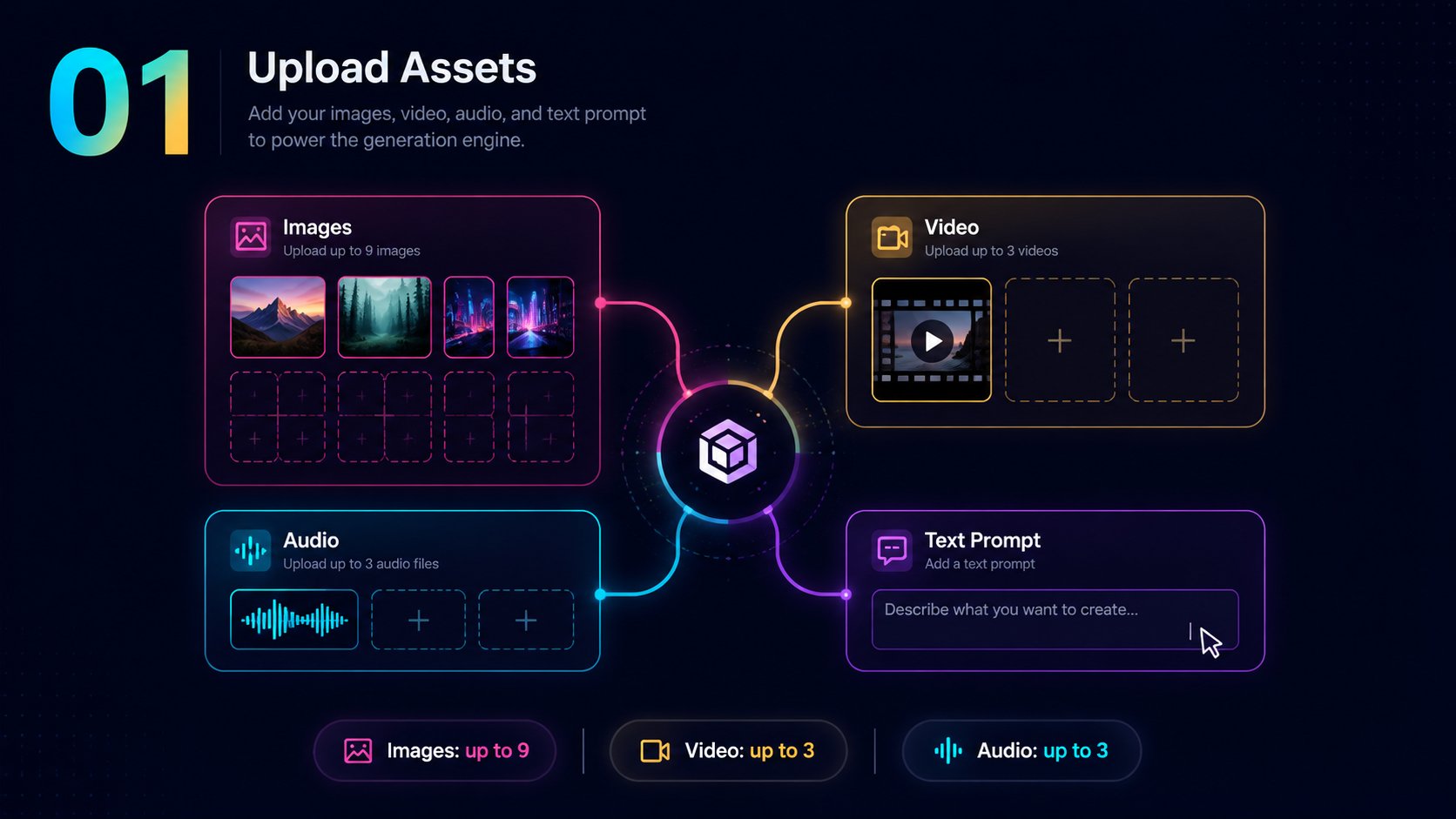
Upload up to 9 images, 3 video clips, and 3 audio tracks. Your creative raw material.
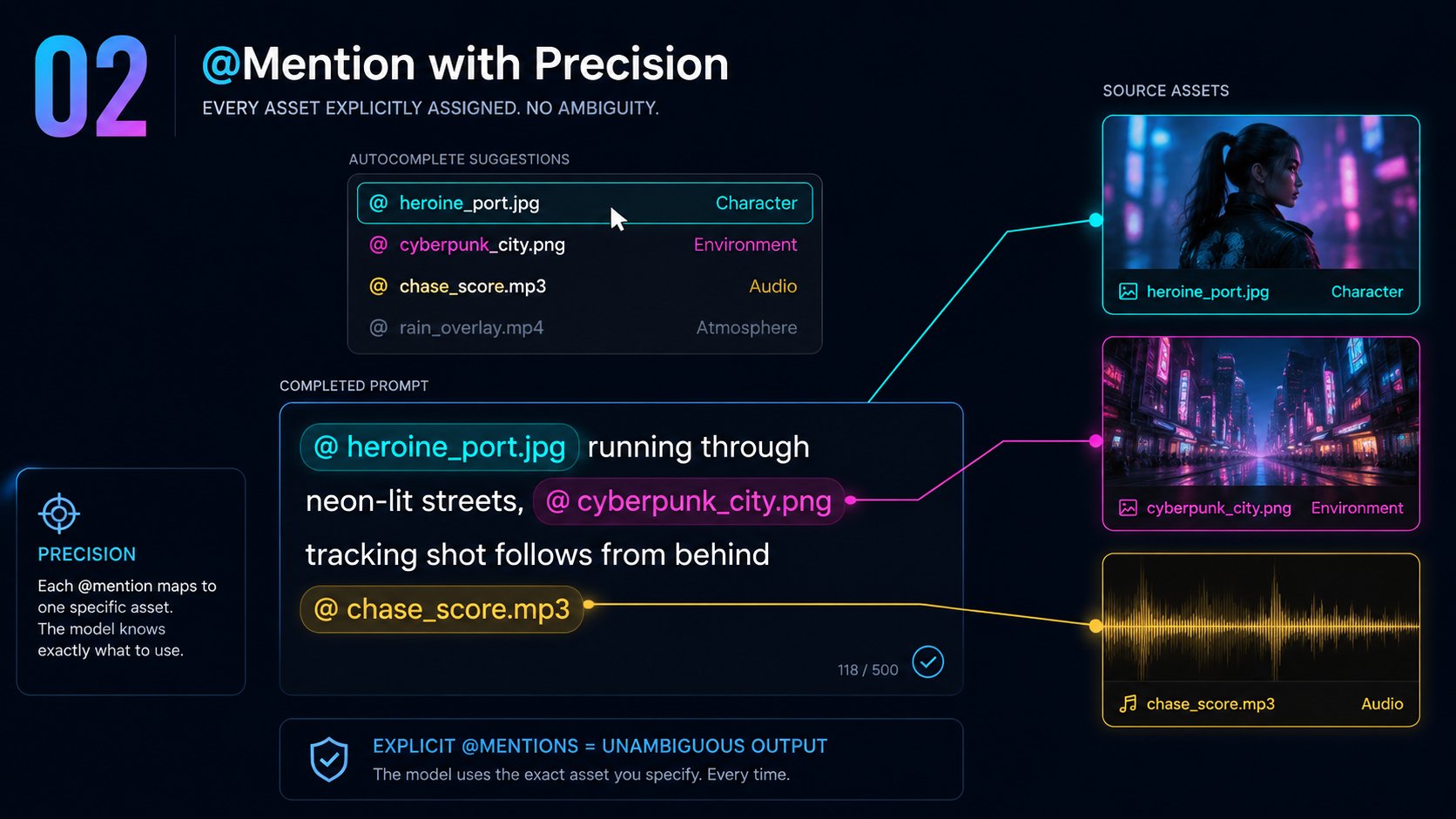
Use natural language @mentions to assign each asset a role. Character? Style? Music bed?
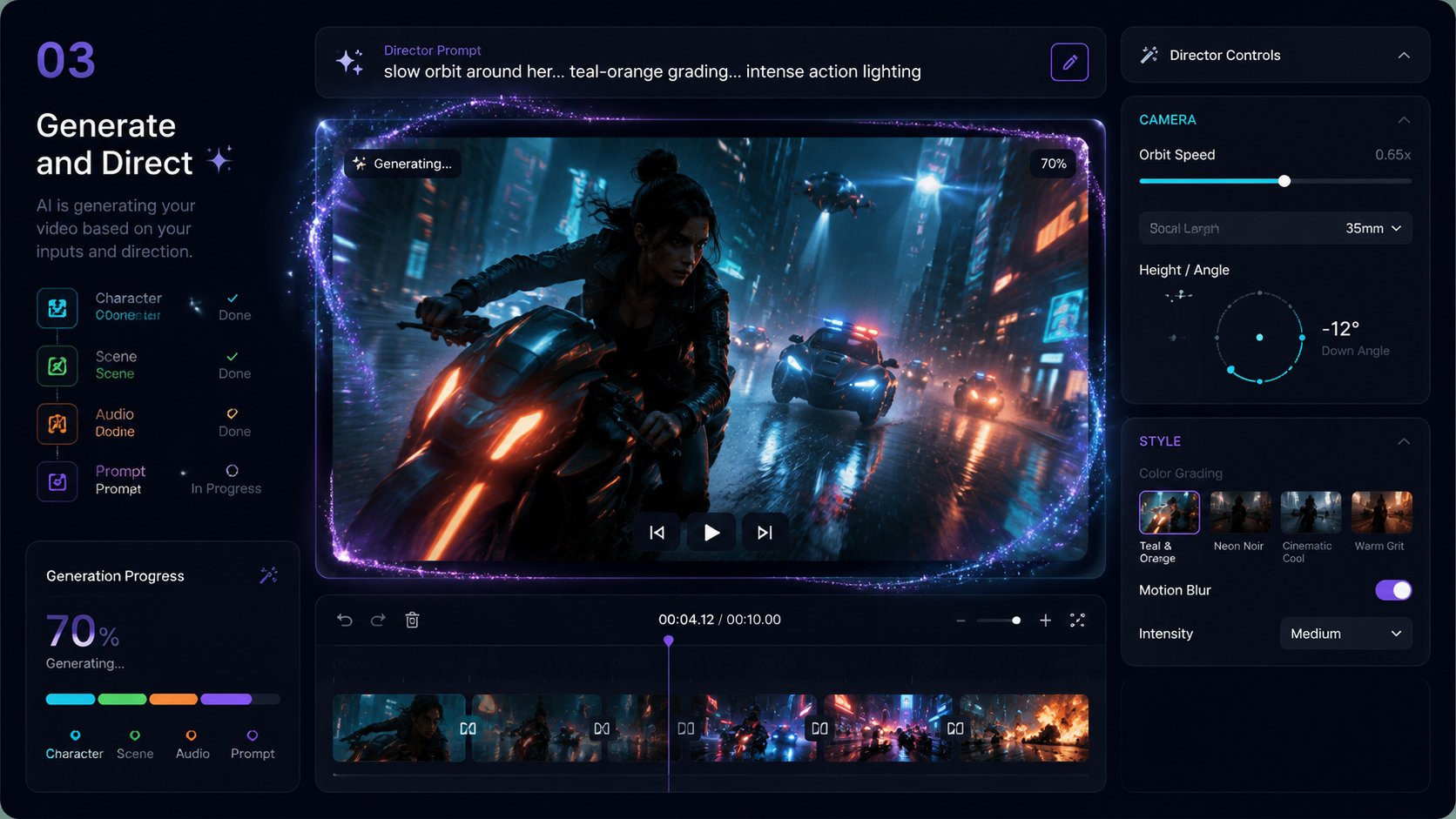
Watch Seedance synthesize all inputs into unified cinematic output with native audio. Specify camera moves in plain English.
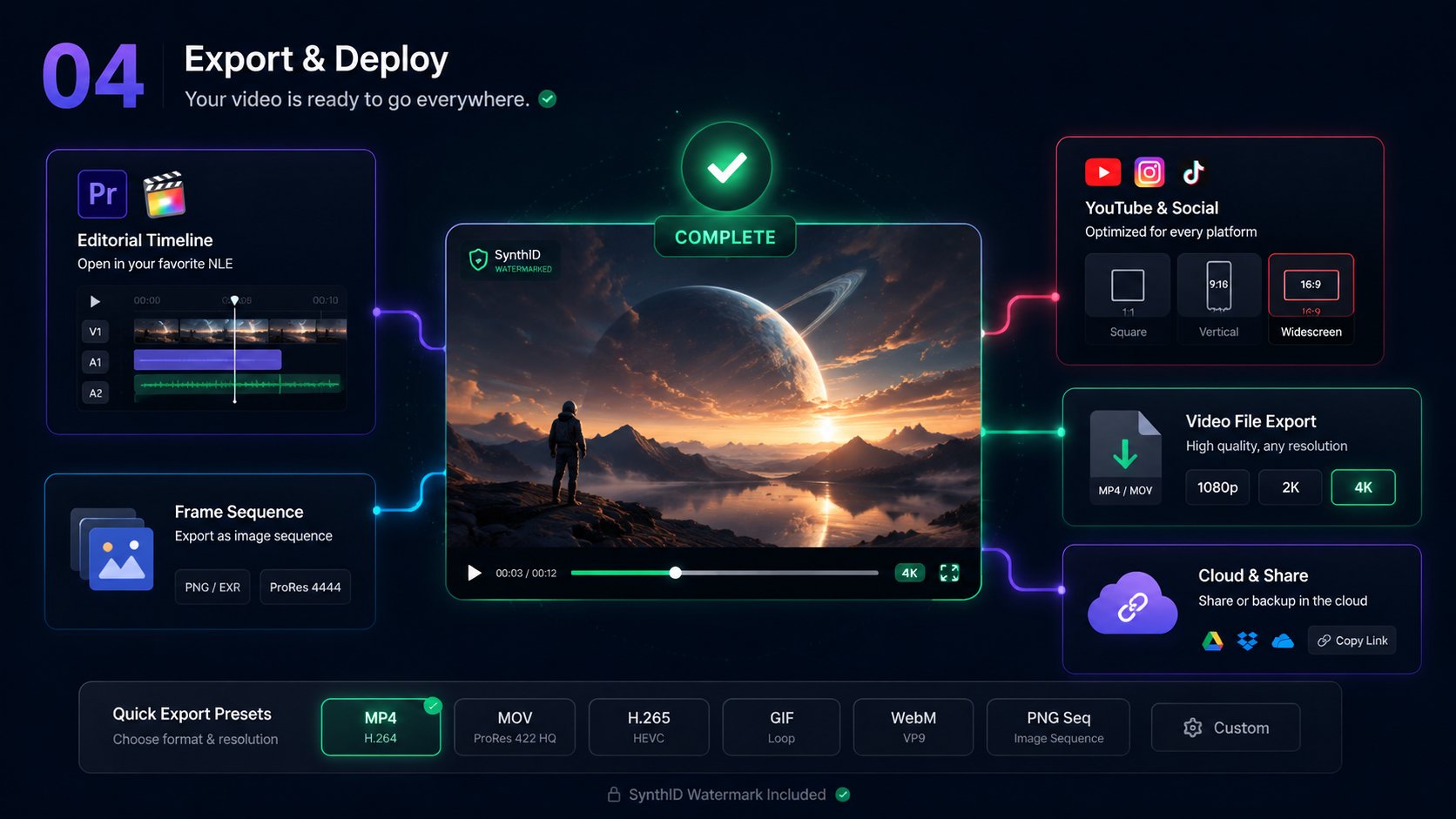
Download in production-ready quality. Drop directly into editorial timeline or publish to social.
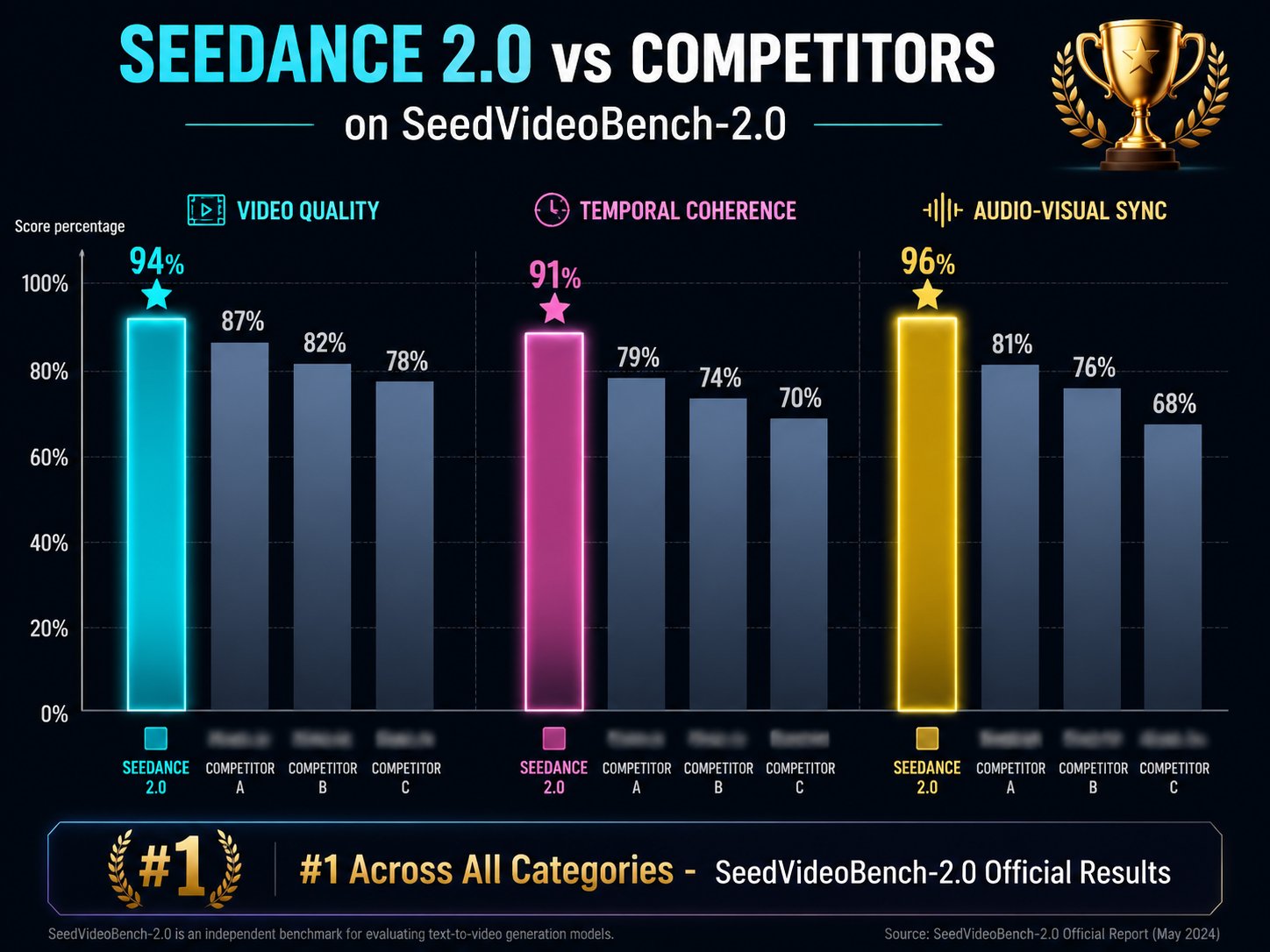
Seedance 2.0 is built by ByteDance's Seed Team (字节跳动视频大模型), achieving #1 ranking across all categories on SeedVideoBench-2.0 — the most rigorous benchmark for AI video generation.
Jimeng AI Video · ByteDance Video Foundation Model · Multimodal Chinese Video Generation · One-Take AI Video
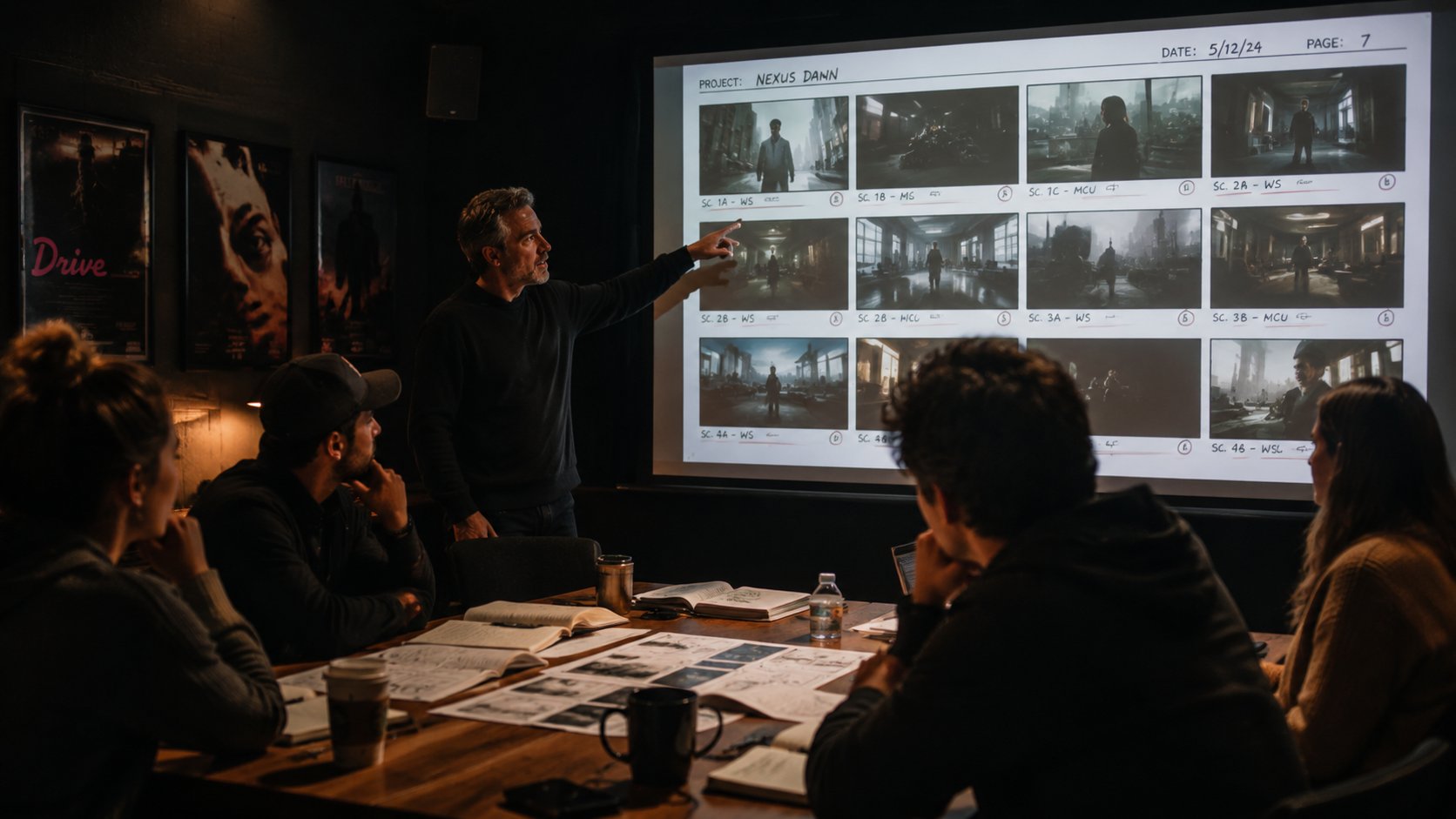
Turn scripts and storyboards into continuous previz shots before expensive production.
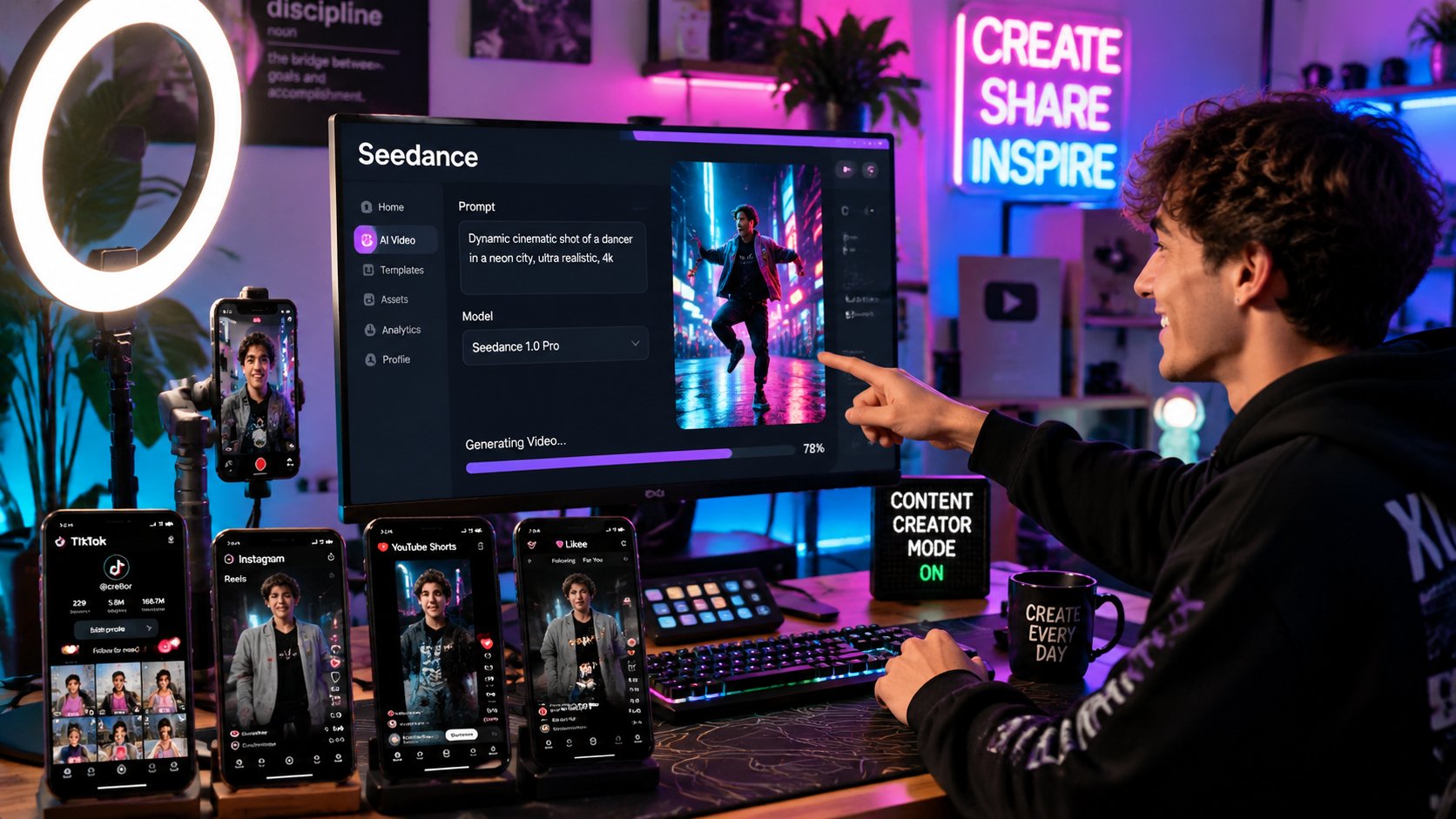
Batch high-quality short videos with one-take continuity and native audio sync.
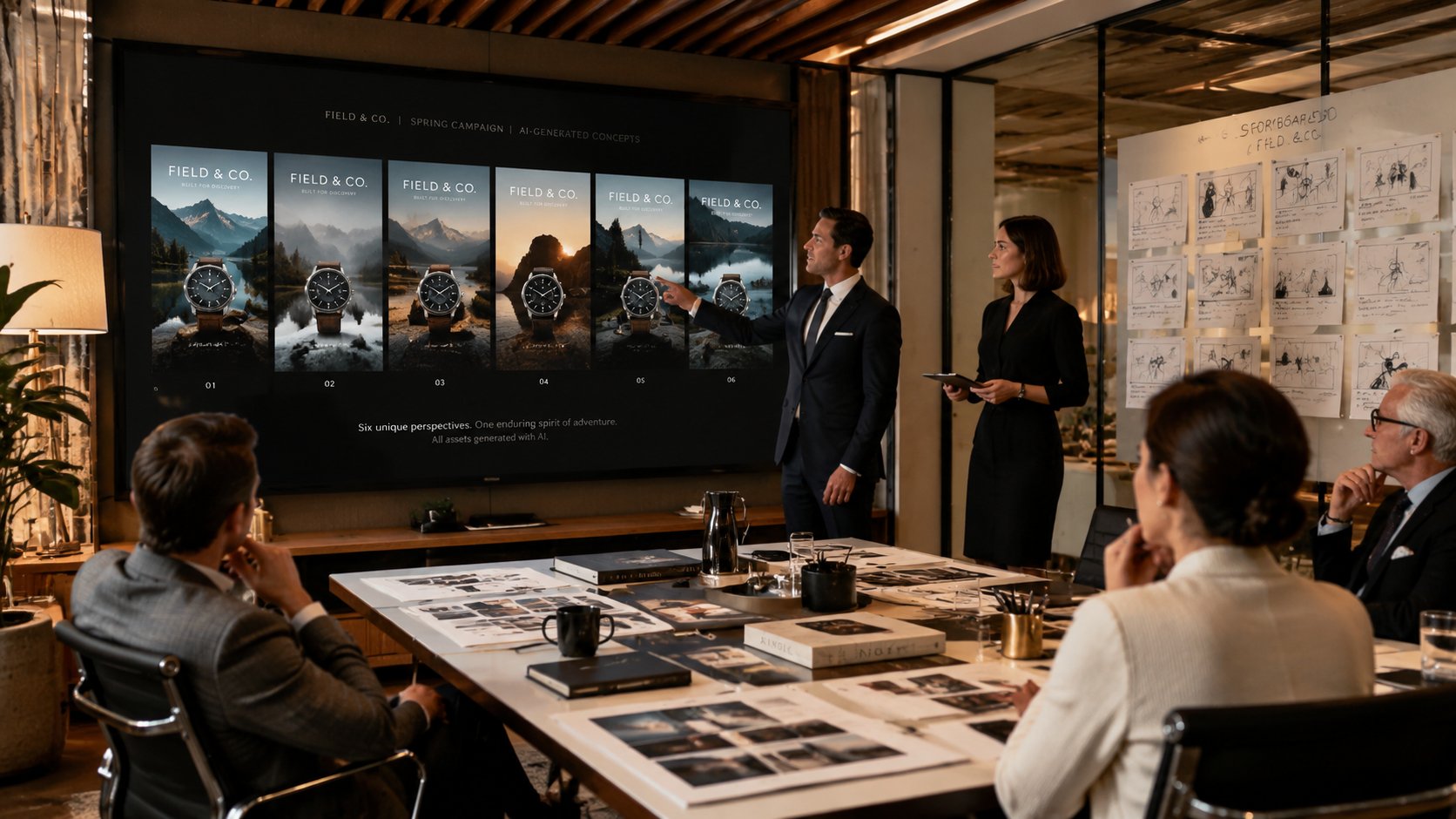
Replicate ad templates and generate multi-variant campaigns with director-level camera control.
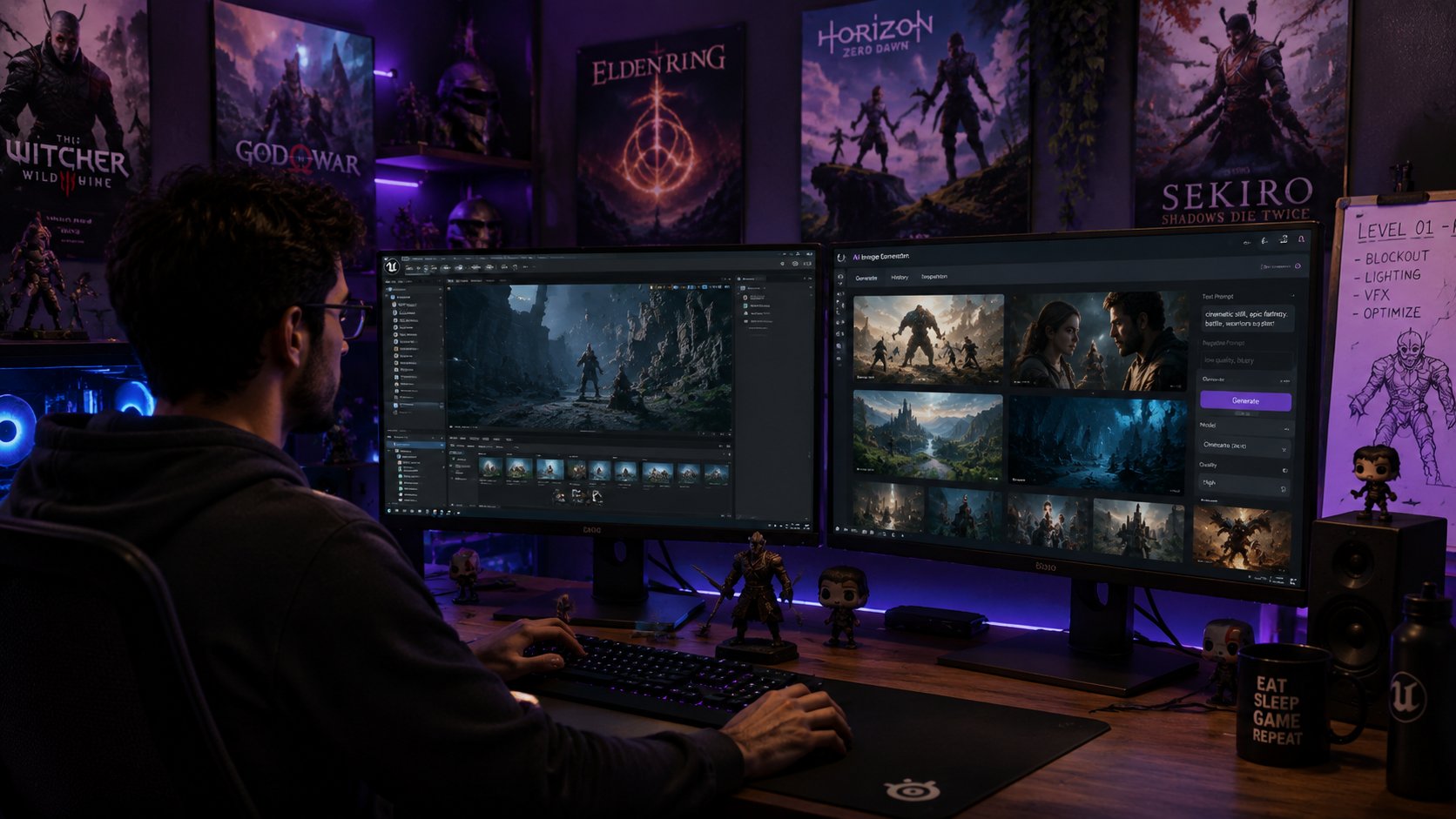
Iterate cutscenes, concept motion, and one-take transitions for games and animation.
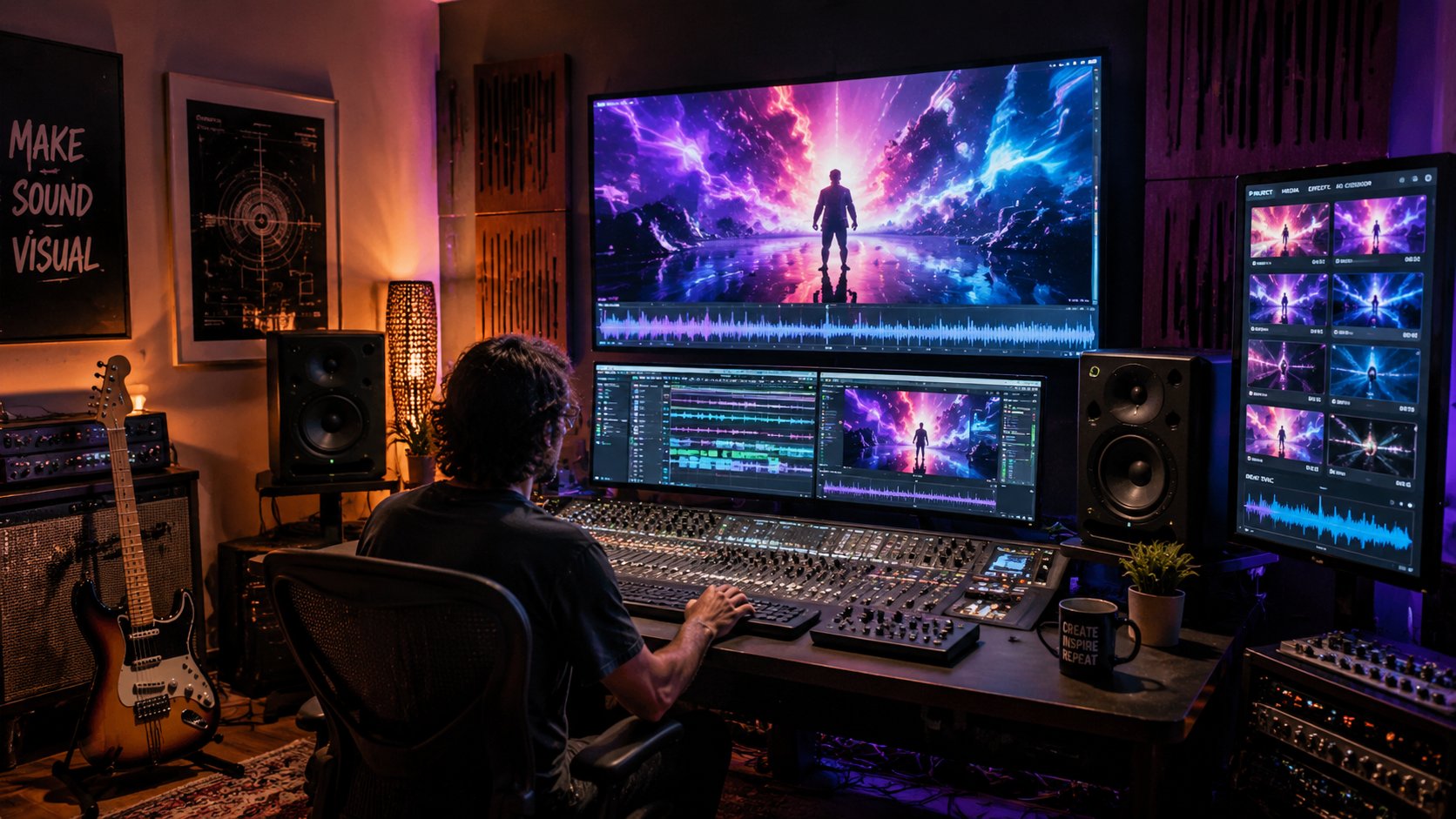
Generate beat-synced visuals from music tracks with native audio-visual alignment.

Produce instructional videos and step-by-step demos with multilingual prompt support.
Join the team of filmmakers and creators using Seedance 2.0. Start your seedance free trial — no credit card. Generate your first one-take shot today.
Seedance 2.0 is ByteDance Seed Team's multimodal AI video engine. It accepts text, images, audio, and video inputs together and generates synchronized cinematic output with native sound.
Upload assets, then reference them in your prompt with @mentions to assign roles — character, style, camera motion, music bed, and more. Seedance follows your assignments precisely.
One-take continuity generates uninterrupted long shots that travel through multiple environments without cuts — similar to iconic single-take films like 1917 and Birdman.
Veo 3.1 excels at Google-grounded workflows and high-resolution output. Seedance 2.0 differentiates with full multimodal input, the @mention control system, one-take continuity, and strong Chinese-language creative support.
Sora emphasizes physics realism; Kling focuses on localized Chinese workflows. Seedance stands out with joint audio-video generation, @mention precision, and one-take long-shot continuity.
Yes. Seedance generates dialogue with lip-sync, sound effects, ambient audio, and score together in a single pass.
Yes — start with a seedance free trial on Yinatrix. Subscription plans include trial credits; see pricing for quotas and commercial options.
Seedance supports up to 2K export, multiple aspect ratios, and extended durations — including long one-take sequences.
Paid plans support commercial production workflows. Review our terms and licensing details on the pricing and legal pages before publishing client work.
Yes. Seedance supports 多模态视频生成中文 workflows — Chinese and English prompts, including mixed-language creative direction for 即梦视频生成-style outputs.
Upload up to 9 images, 3 video clips, and 3 audio tracks, assign roles with @mentions, describe your scene and camera moves, then generate. See the How to Use Seedance 2.0 section above or open the text-to-video dashboard to start your seedance free trial.
Runway Gen-3 excels at stylized motion and editor integrations. Seedance 2.0 differentiates with full multimodal input (text + image + audio + video), the @mention reference system, native audio-video sync, and one-take AI video continuity.
Seedance ranks #1 on SeedVideoBench-2.0 across benchmark categories and leads in multimodal control, @mention precision, and one-take generation — making it a top choice among the best AI video generator 2025–2026 options for director-level workflows.
On Yinatrix, Seedance is available through subscription plans with trial credits included. Visit our pricing page for current quotas, commercial tiers, and API-style usage limits for production teams.
Start with the How to Use Seedance 2.0 walkthrough on this page, then open the text-to-video dashboard for hands-on practice. Upload assets, write @mention prompts, and iterate — the fastest ByteDance Seedance tutorial is learning by generating.