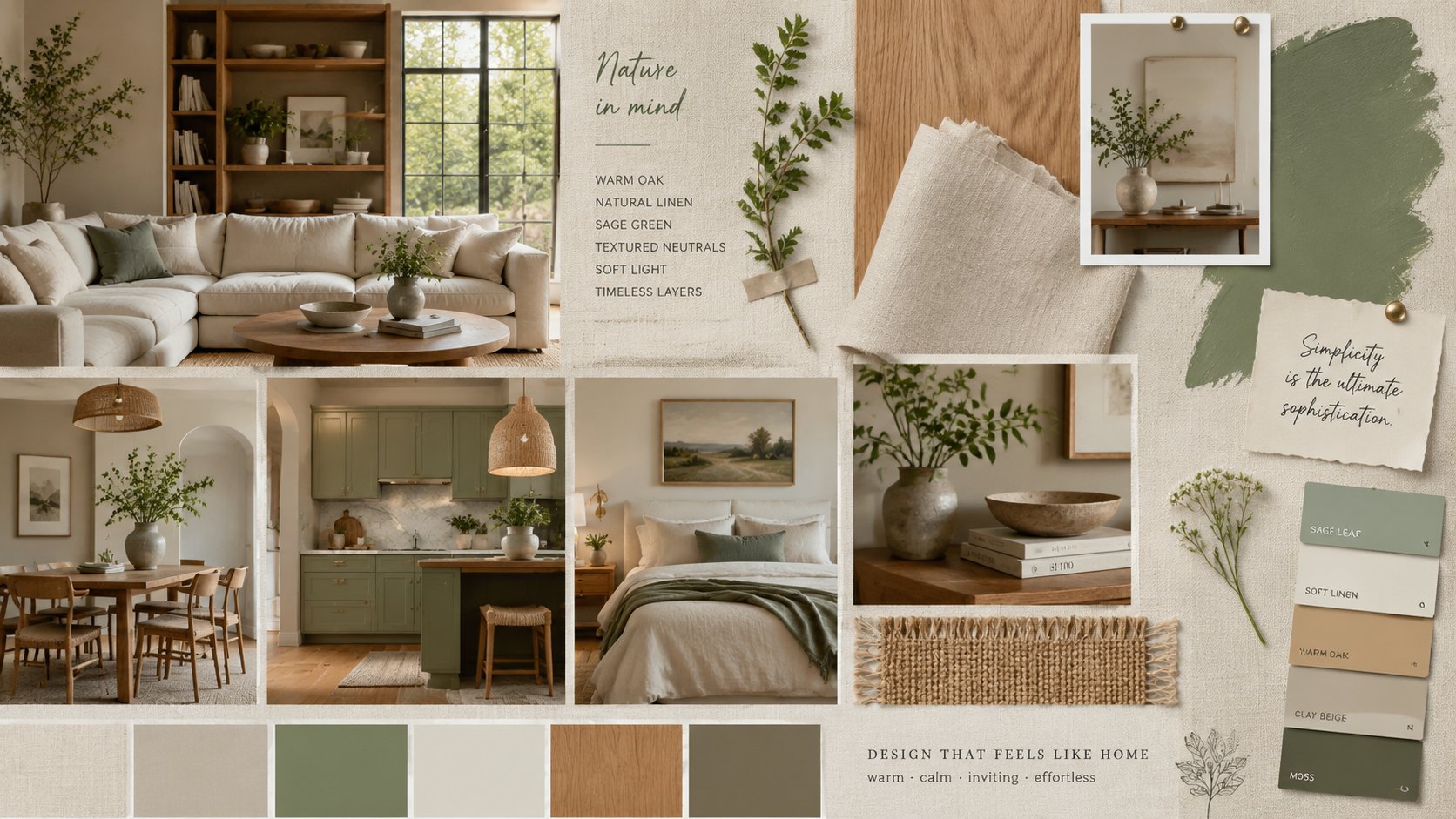
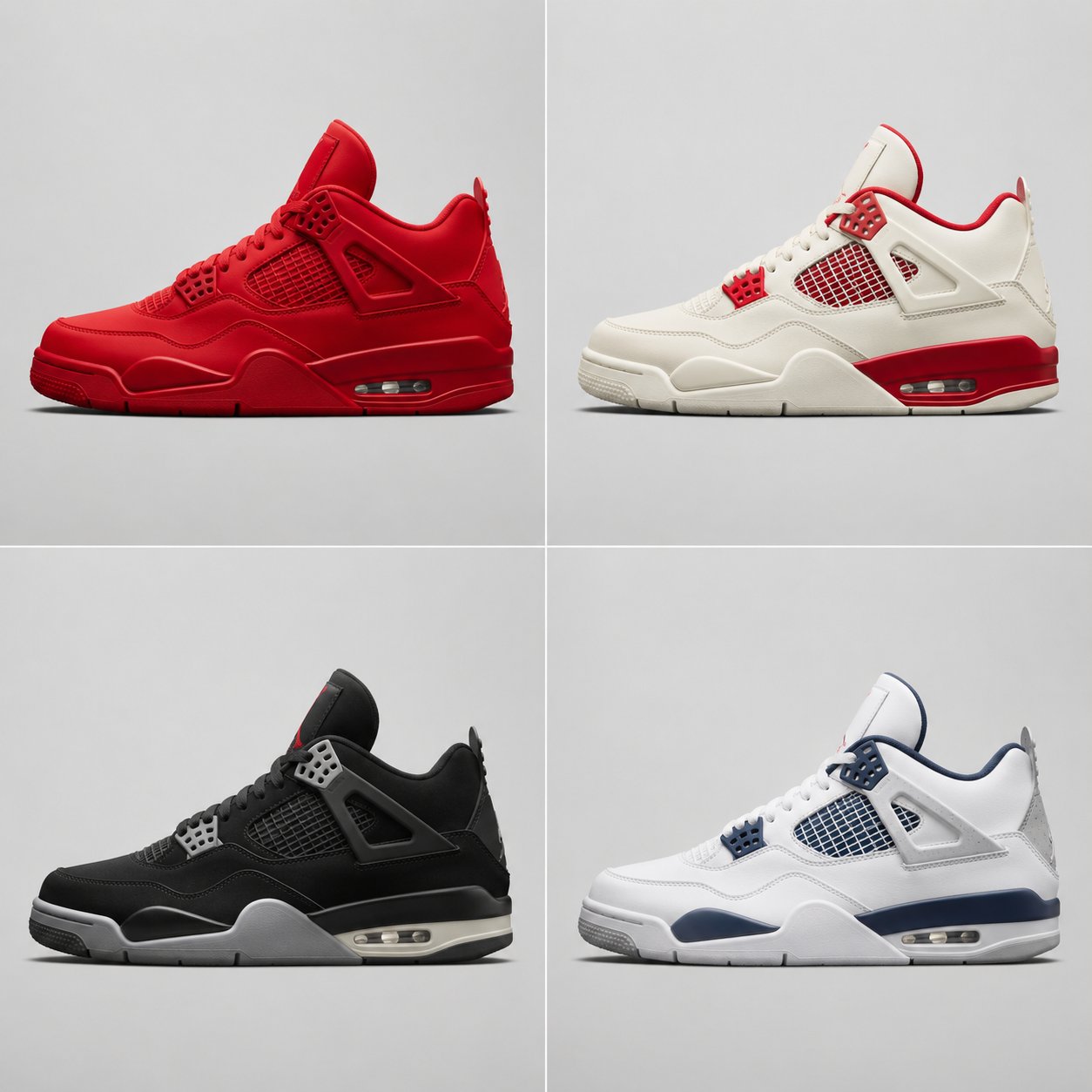
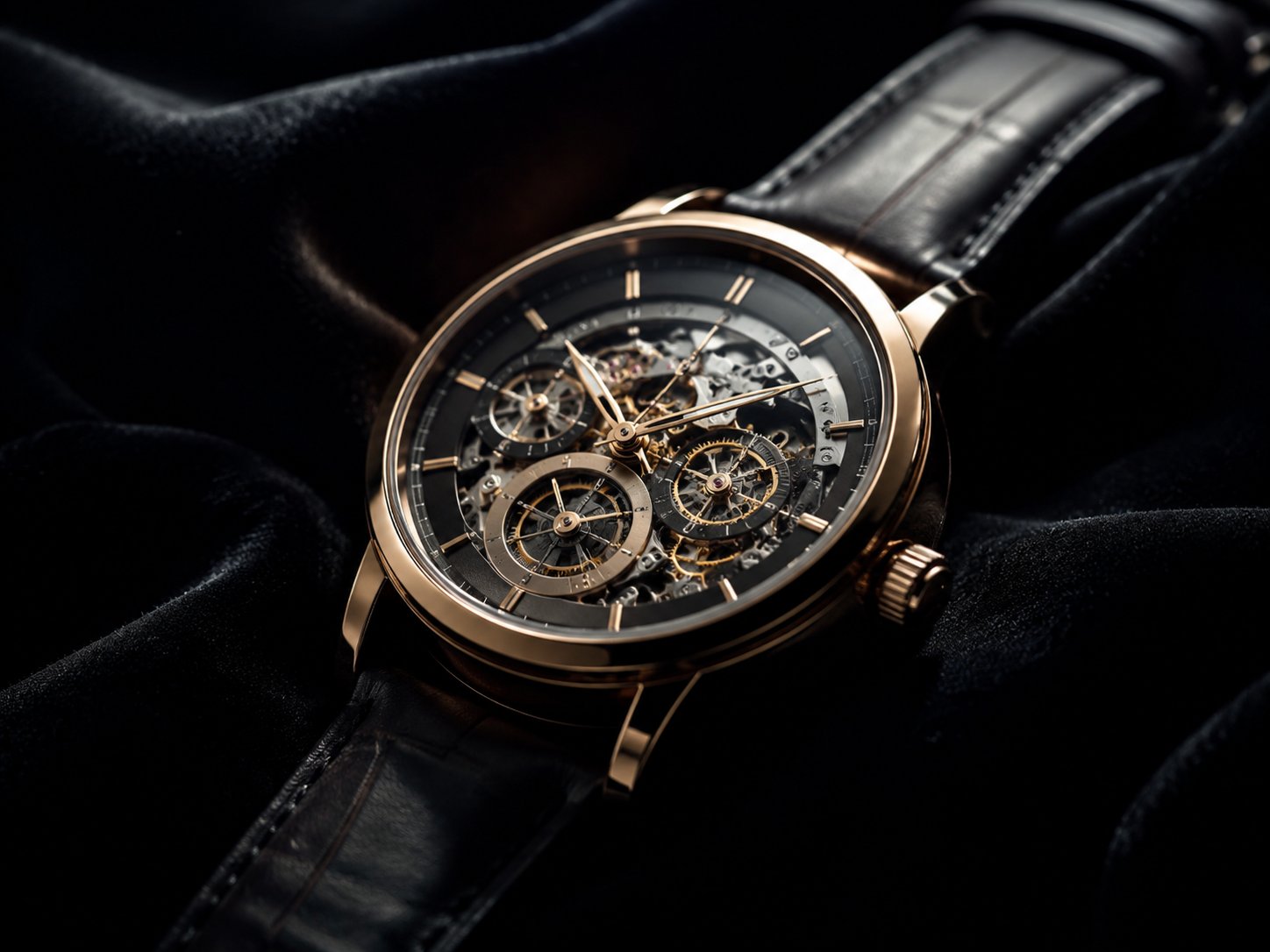
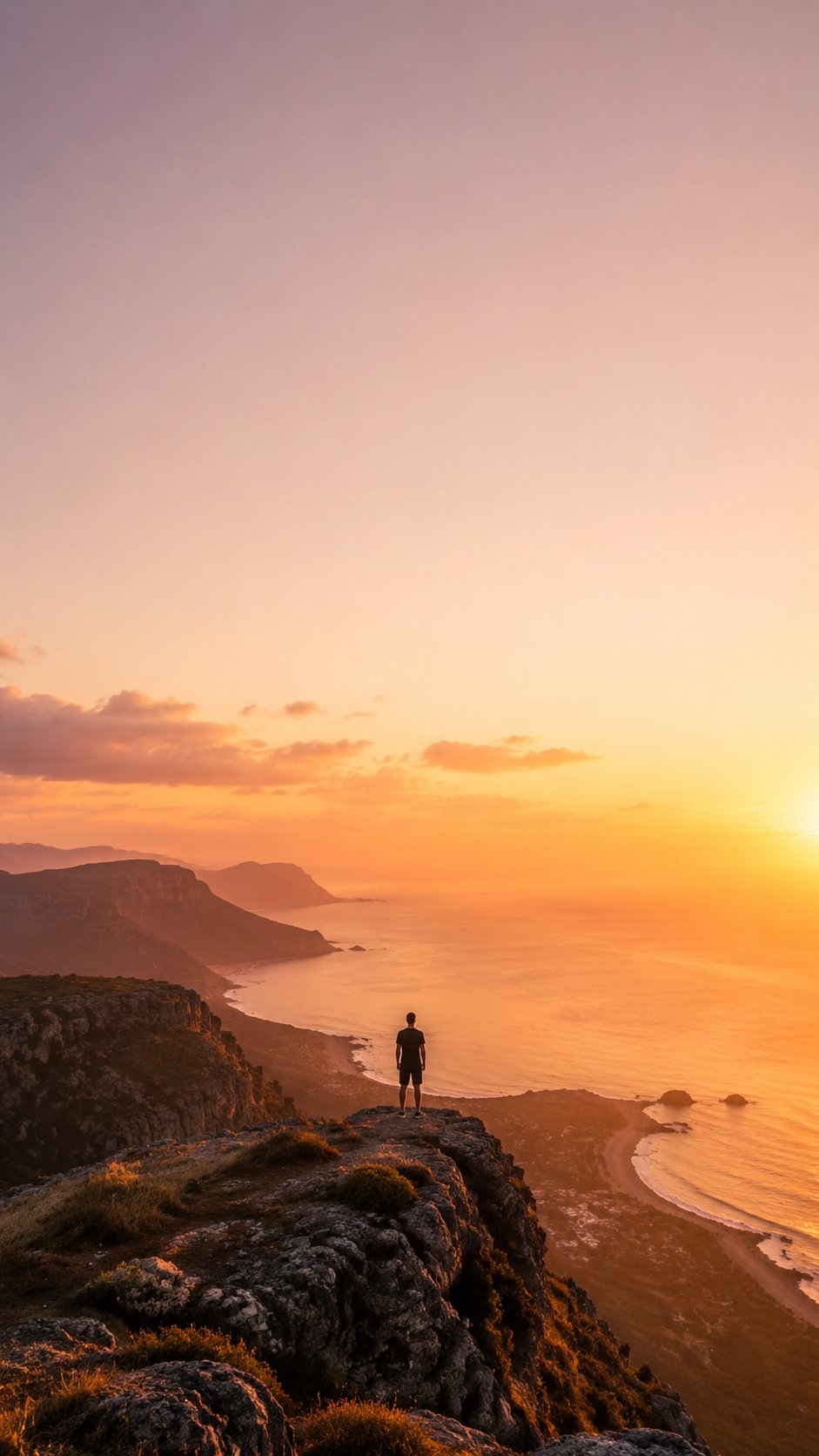
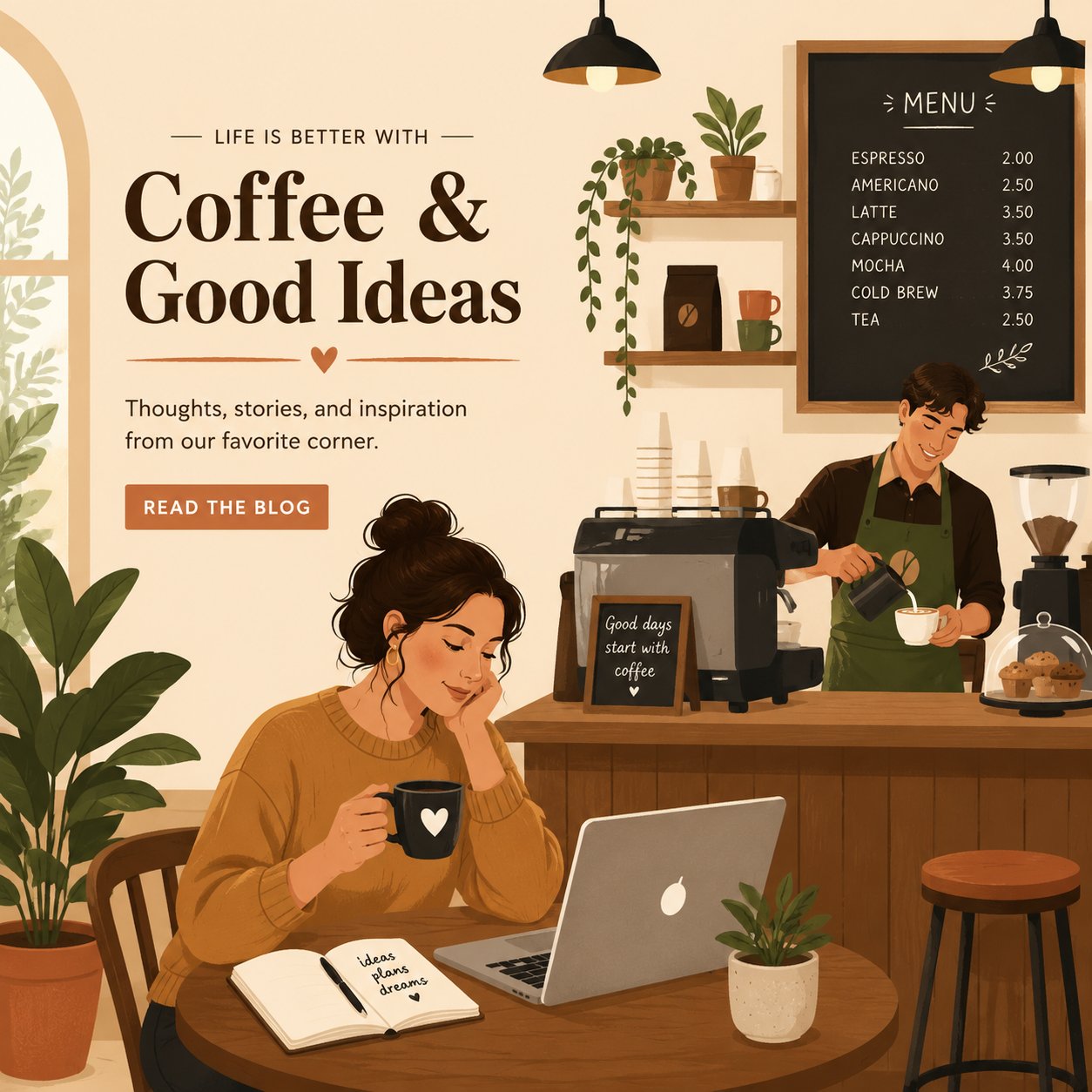
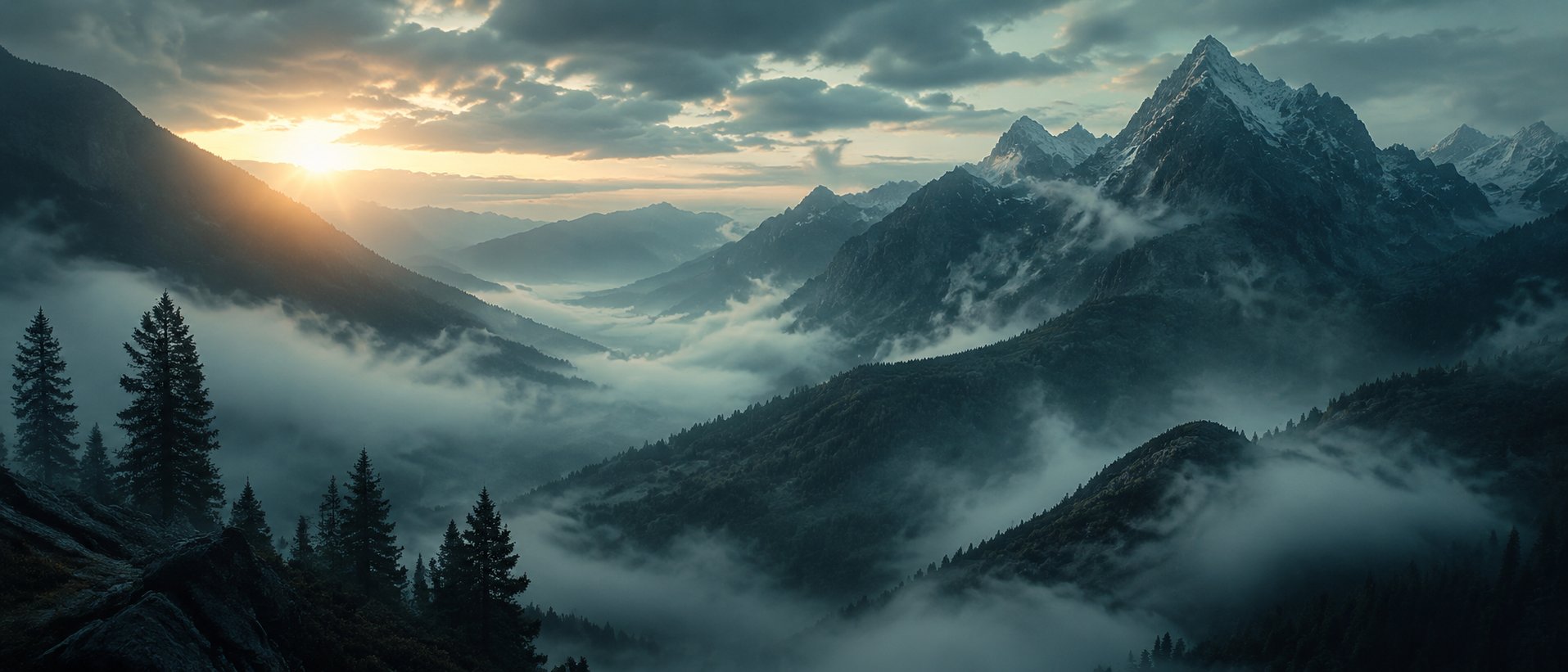
What is a text to image generator?
It converts a written prompt into a still image. In Yinatrix, you choose a model, aspect ratio, and quality—no reference upload is required for this tool.
Which models support Text to Image?
Nano Banana 2 and GPT Image 2 appear in the dashboard model picker (loaded from the live catalog). Nano Banana 2 offers the widest aspect-ratio list; GPT Image 2 adds an Auto ratio option.
How long can my prompt be?
Up to 4,000 characters. The prompt field shows a live count and turns amber above 1,000 characters as a soft reminder to stay focused.
Do I need to upload an image?
No. Text to Image is prompt-only. If you have reference photos, use Image to Image instead—you must upload at least one reference there.
What aspect ratios and quality settings are available?
Quality is 1K, 2K, or 4K for supported models. Aspect ratios depend on the model—for example Nano Banana 2 includes 21:9 and tall banners; GPT Image 2 includes 2:1, 1:2, and Auto.
How do I get photoreal results?
Specify lighting direction, materials, lens feel, and a realistic environment. Use the photography or realism Style preset and avoid mixing conflicting style words in one prompt.
When should I use Image to Image instead?
After you pick a winning still from Text to Image, open Image to Image to refine backgrounds, style, or details while anchoring to your base image.
Can I use outputs commercially?
Commercial usage depends on your plan and terms. Review the pricing page and policies before shipping at scale.