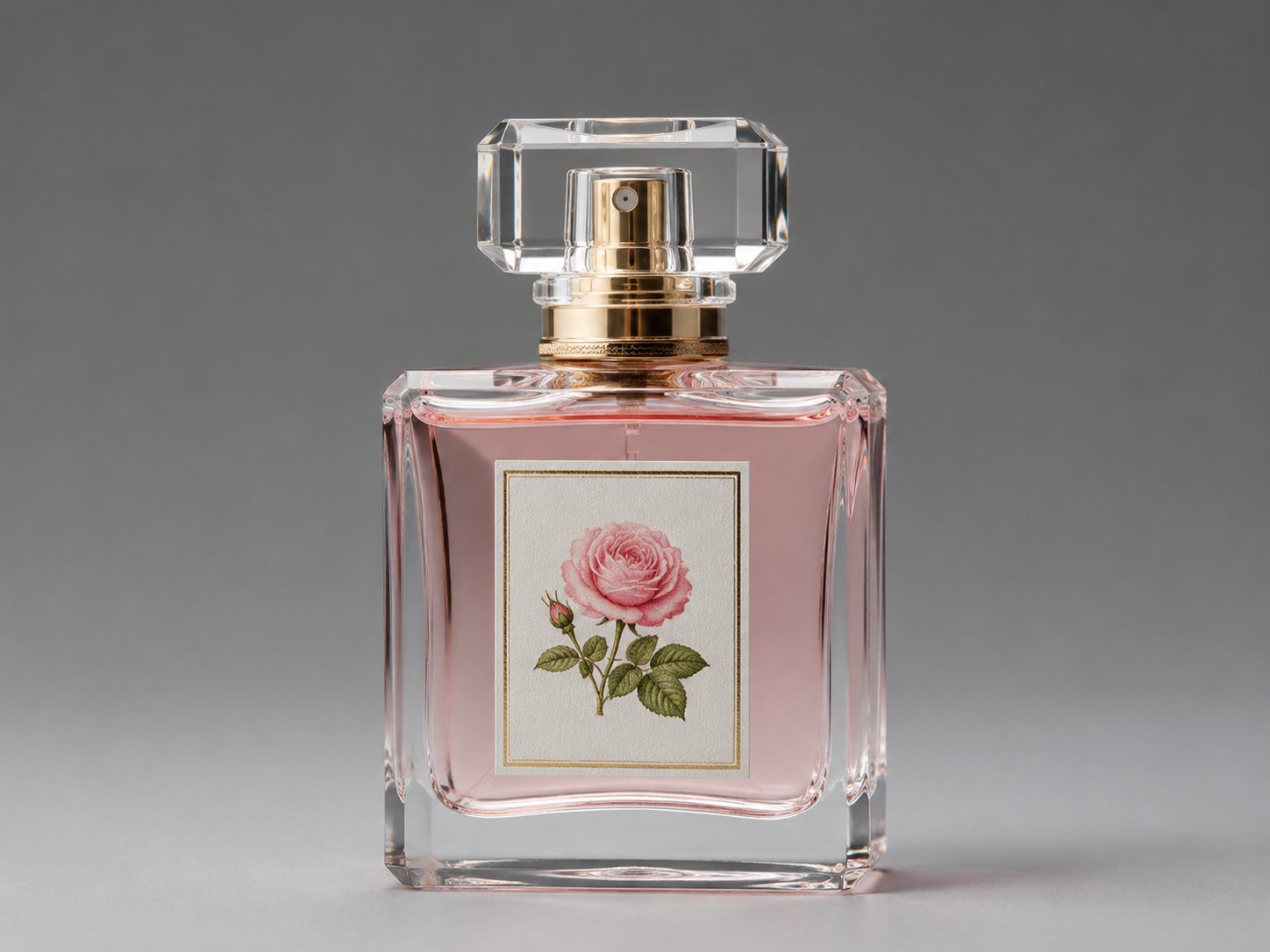
Upload sharp, well-lit sources
Use photos with readable detail on the subject you want to keep—product labels, faces, or key props. Avoid extreme blur, heavy JPEG artifacts, or clipped highlights when possible.
 Yinatrix
AI Tools / Image
Anchor generation to your own photos or renders. Upload references, write a keep/change prompt, and produce controlled variations—background swaps, style shifts, and campaign-ready product scenes.
Models
Open Dashboard → Image to Image. The model picker loads from the live catalog; these are the image models wired into this workflow today. In the future, we will select more AI image models with unique expertise.
Reference uploads
The model anchors to your uploads. Sharp, well-lit sources with clear subjects produce fewer retries than blurry or heavily compressed files.
Use photos with readable detail on the subject you want to keep—product labels, faces, or key props. Avoid extreme blur, heavy JPEG artifacts, or clipped highlights when possible.
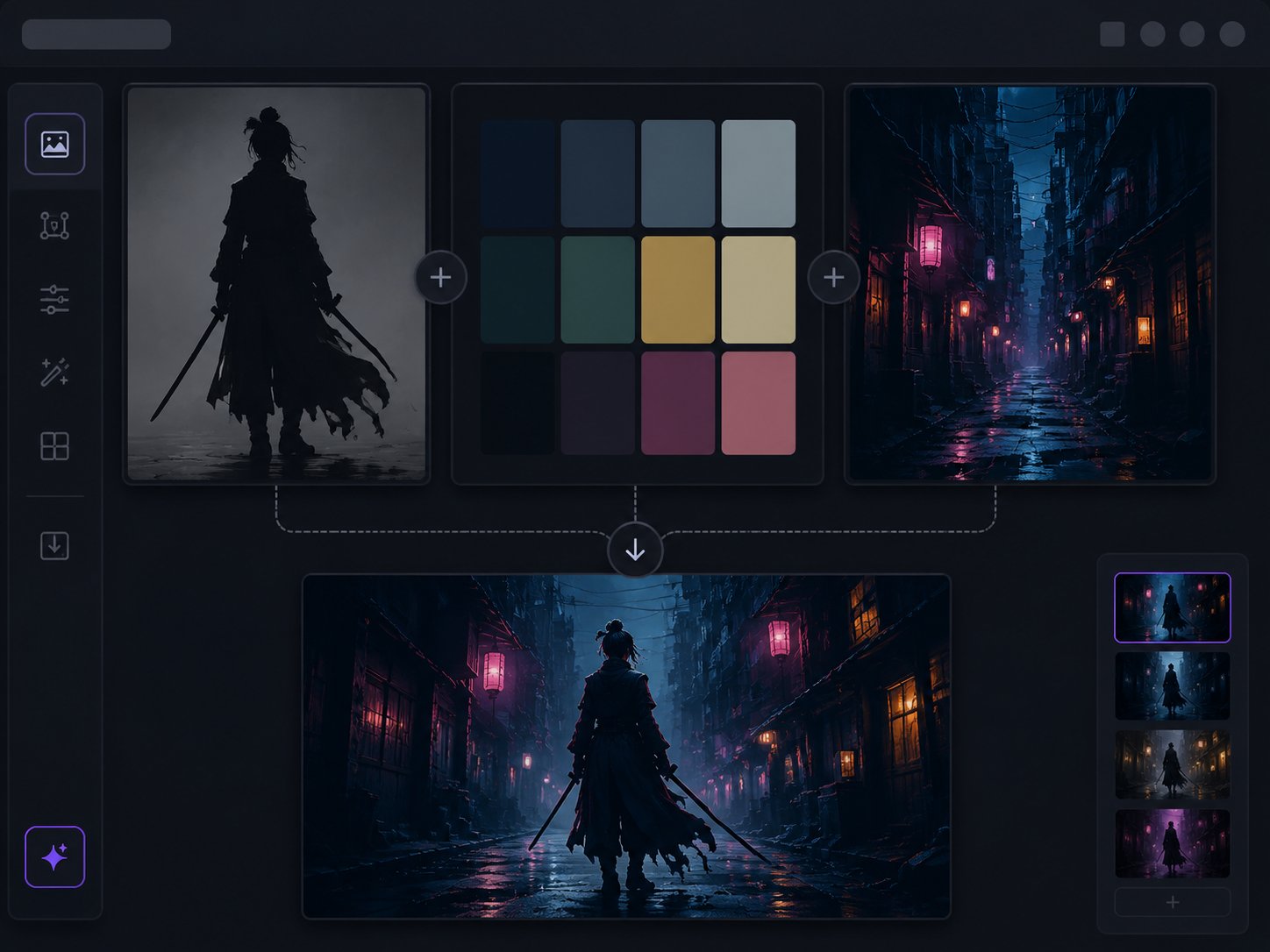
With multiple uploads, name roles in the prompt: “Use figure and pose from image 1, color palette from image 2, environment from image 3.” The UI supports up to eight references for combine workflows.
Prompting
Lead with preservation clauses, then list changes. Smaller, specific edits succeed more often than “make it completely different.”
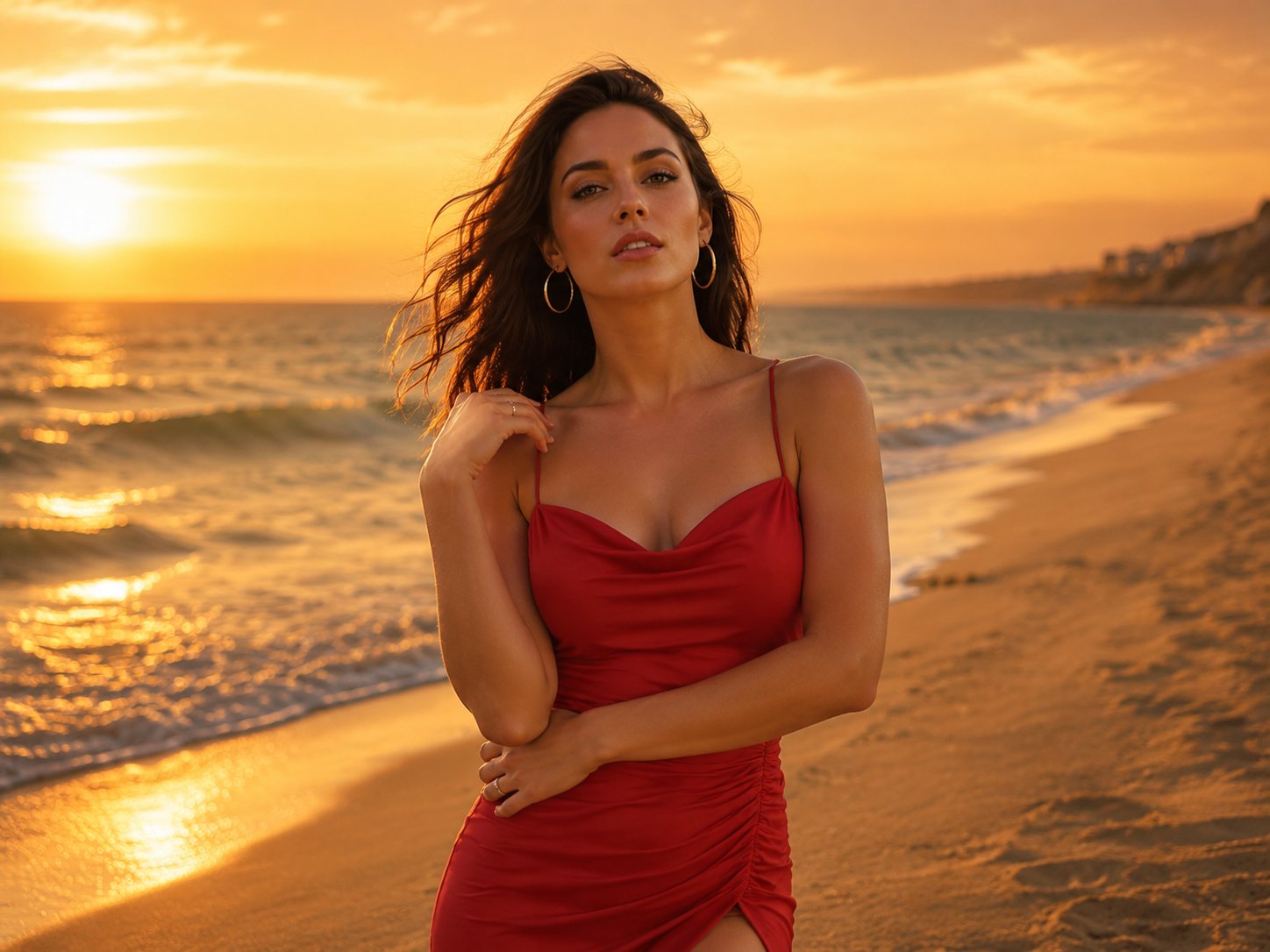
Example: “Preserve the subject, pose, and outfit exactly. Replace background with a soft sunset beach; match warm key light on the subject.” Keep foreground and background lighting consistent.
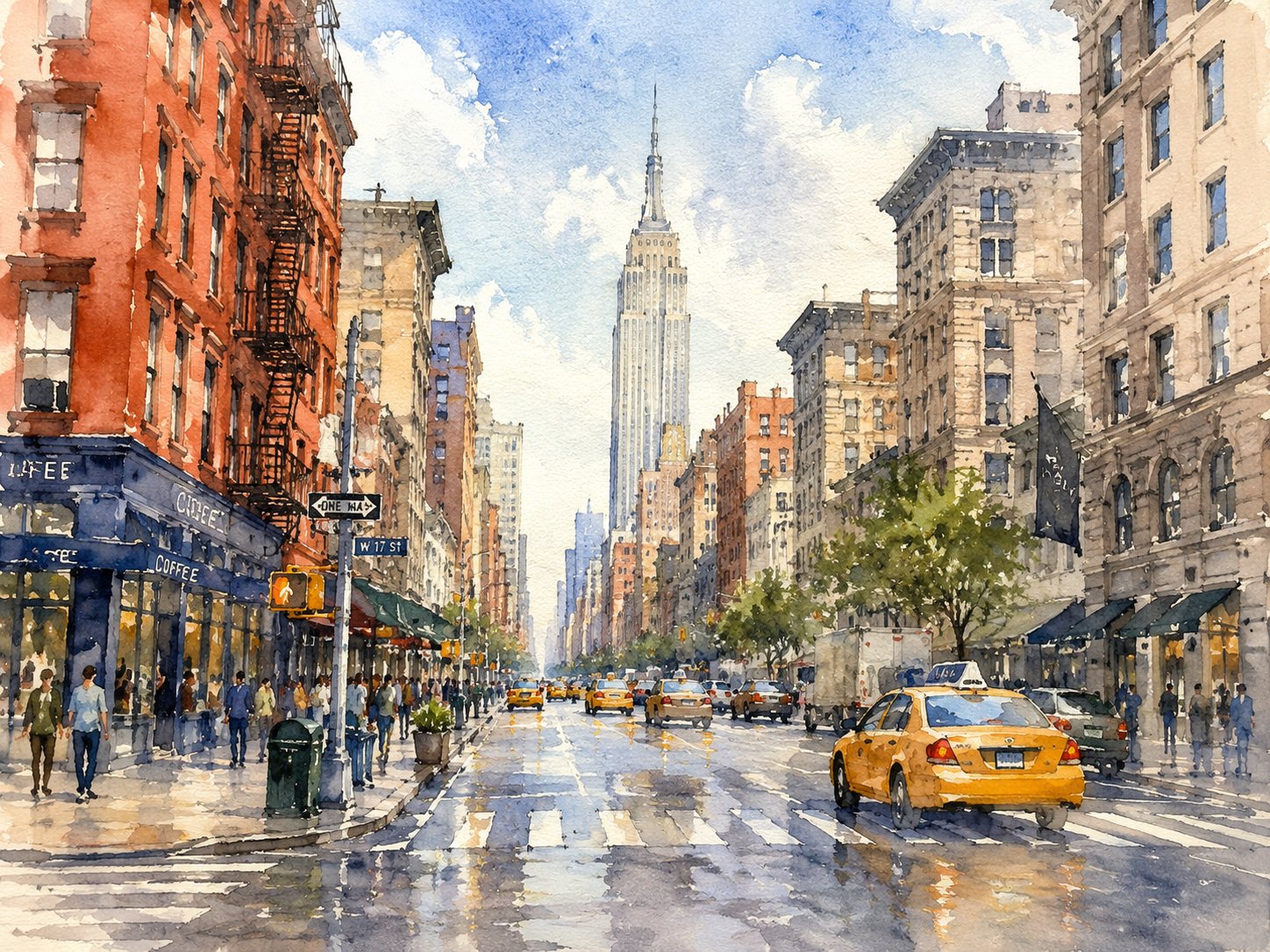
Example: “Keep composition and subject identity. Re-render as watercolor illustration with soft pigment edges—no photoreal skin.” Avoid mixing conflicting style words in one prompt.
When to use this tool
Image to Image is the “reference still → edited still” path. It reduces randomness by anchoring to pixels you already approve.
Transformations
High-intent edits teams run every week—all from references plus a focused prompt.
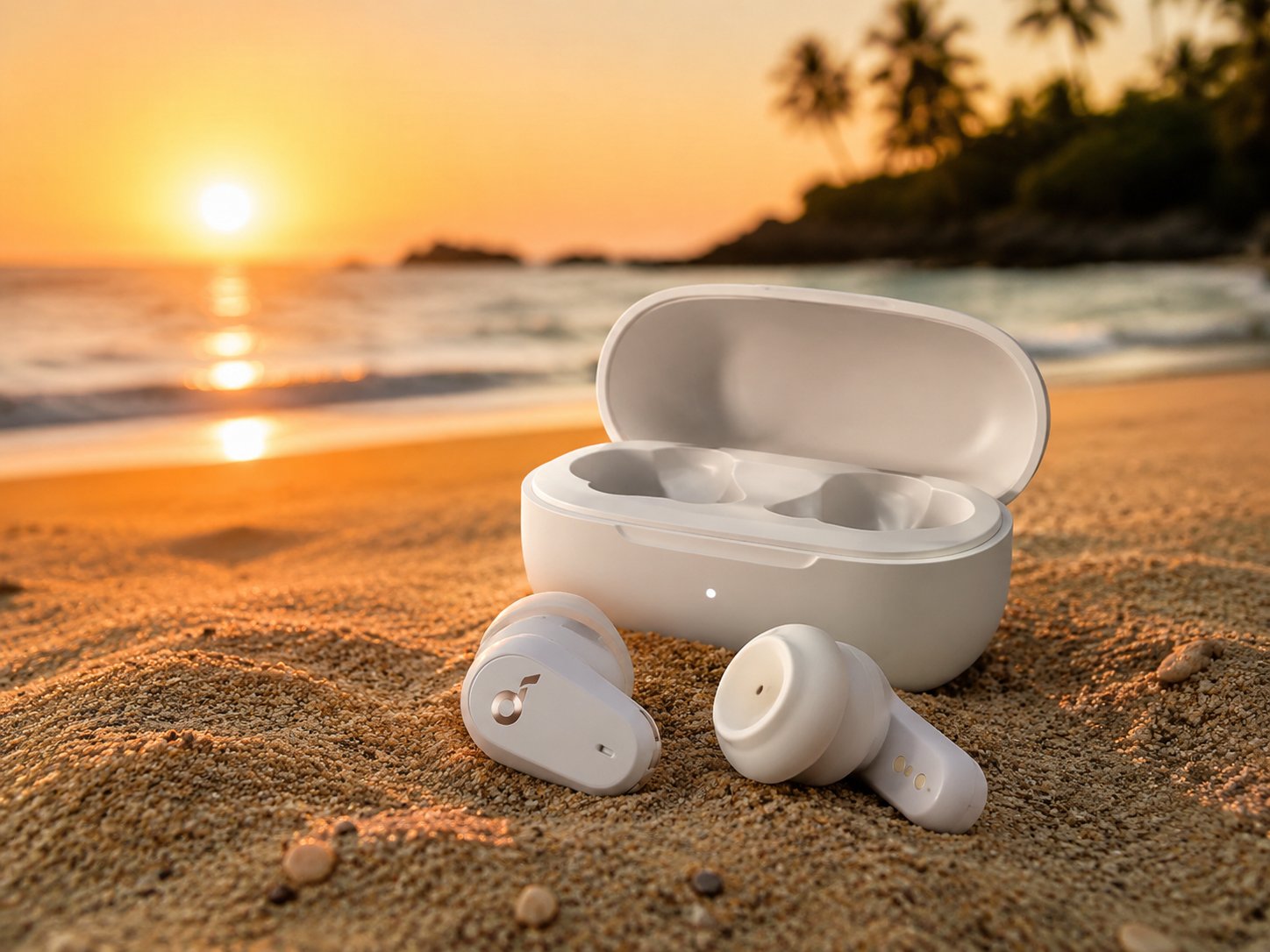
Keep the subject and foreground; replace the scene and match lighting.
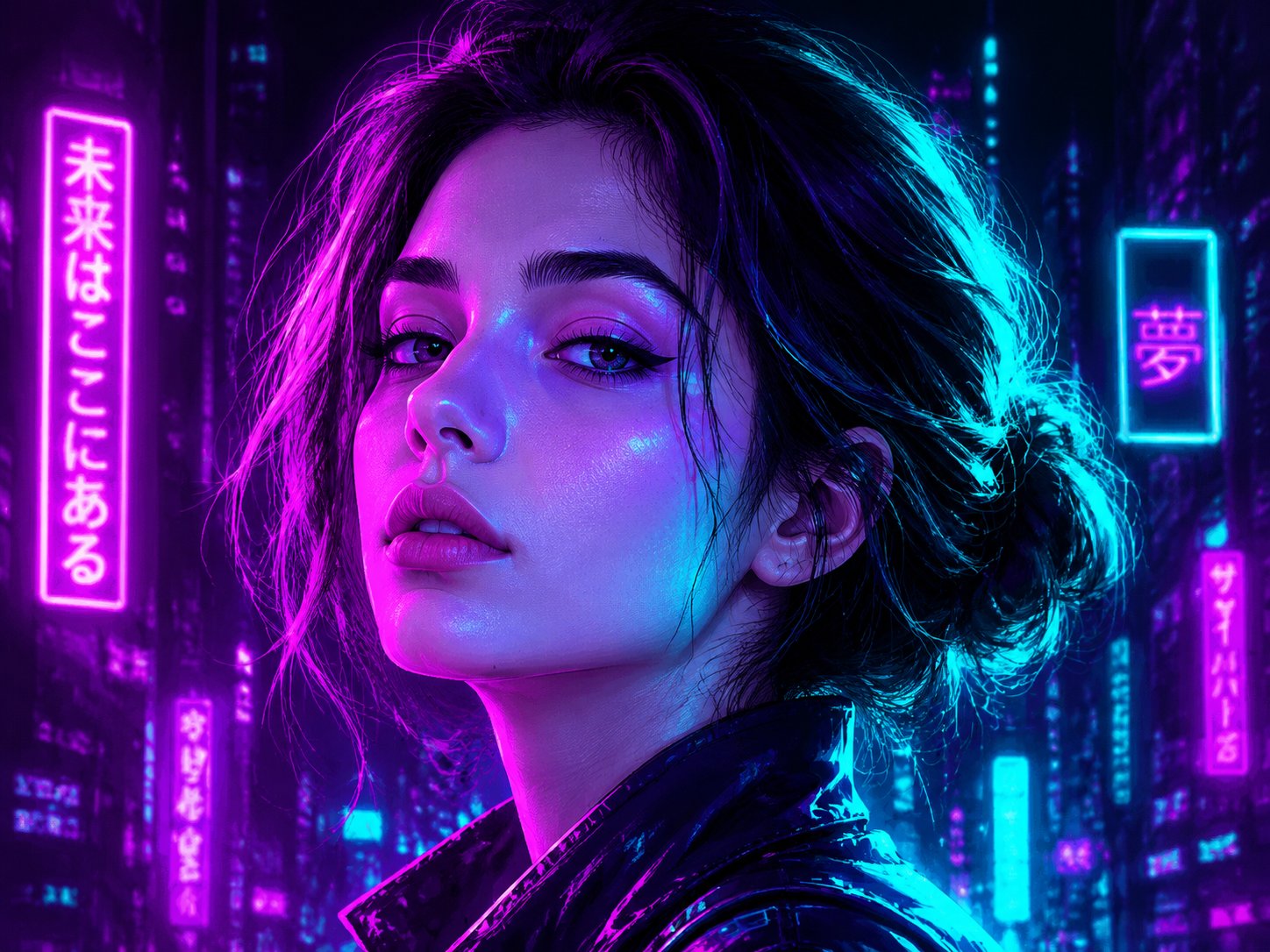
Realistic ↔ illustration ↔ cinematic while preserving structure.
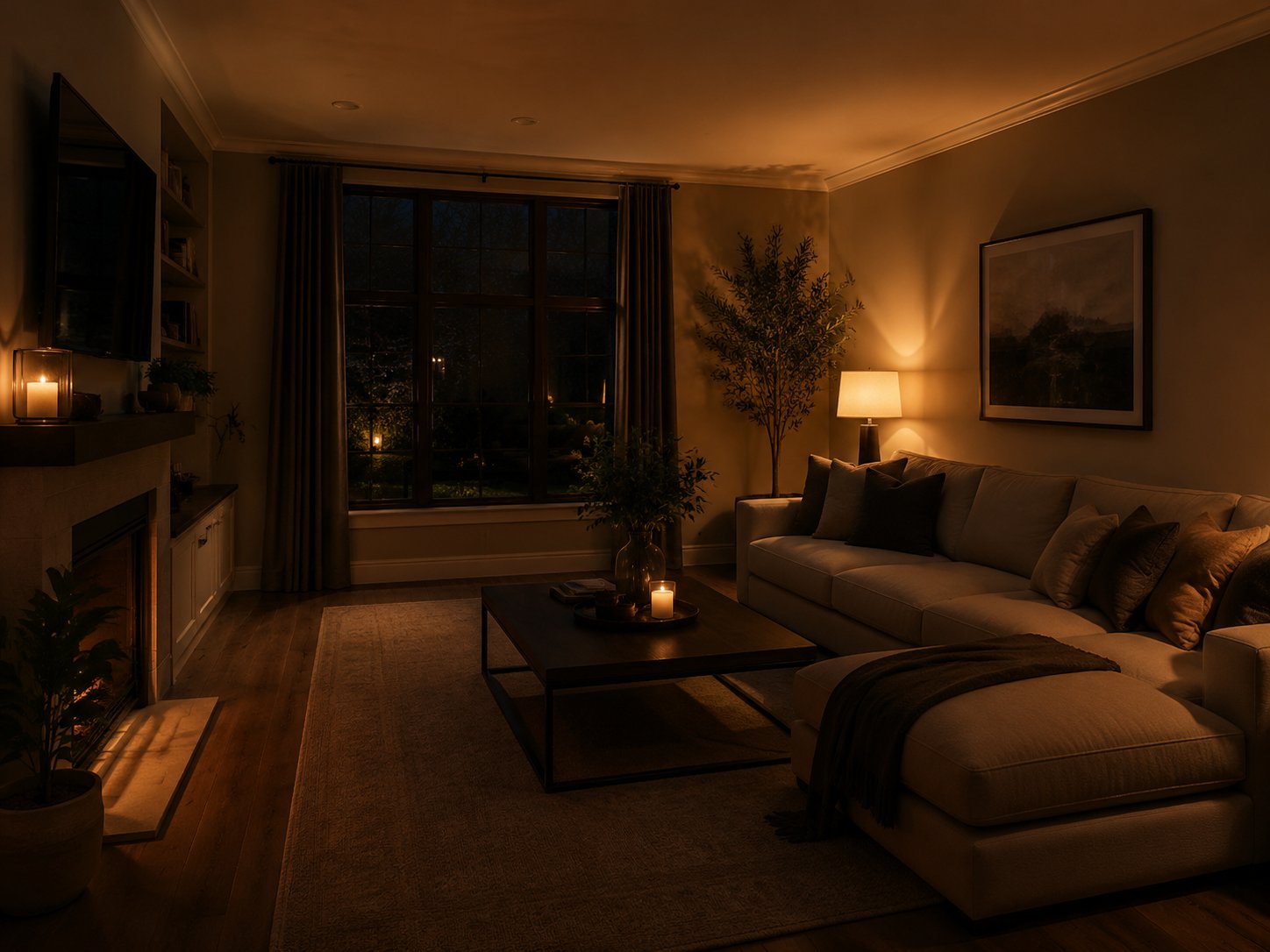
Day/night, soft/hard, warm/cool—dial the feeling without recomposing.

Tighten crop, adjust framing, or focus without a full restart.
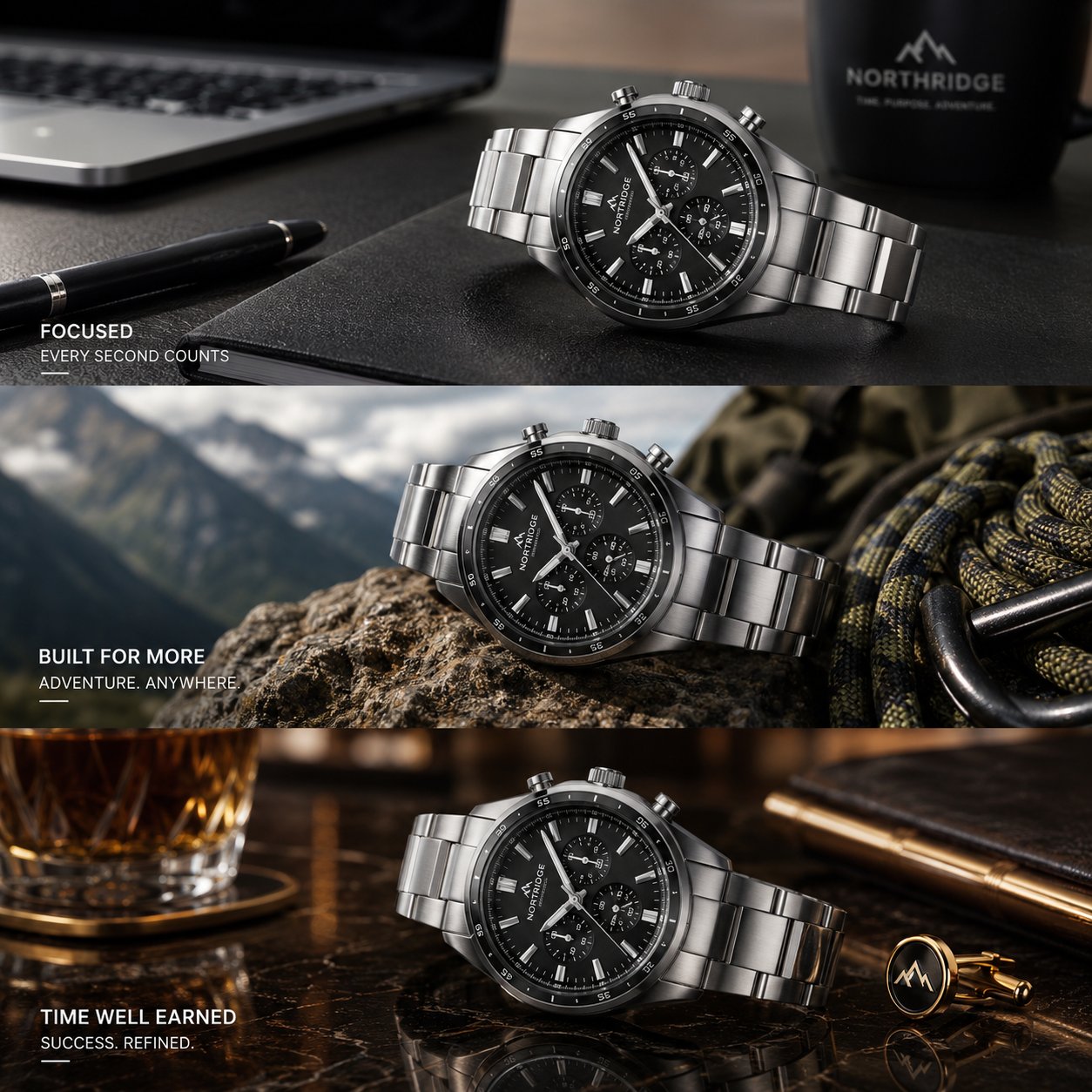
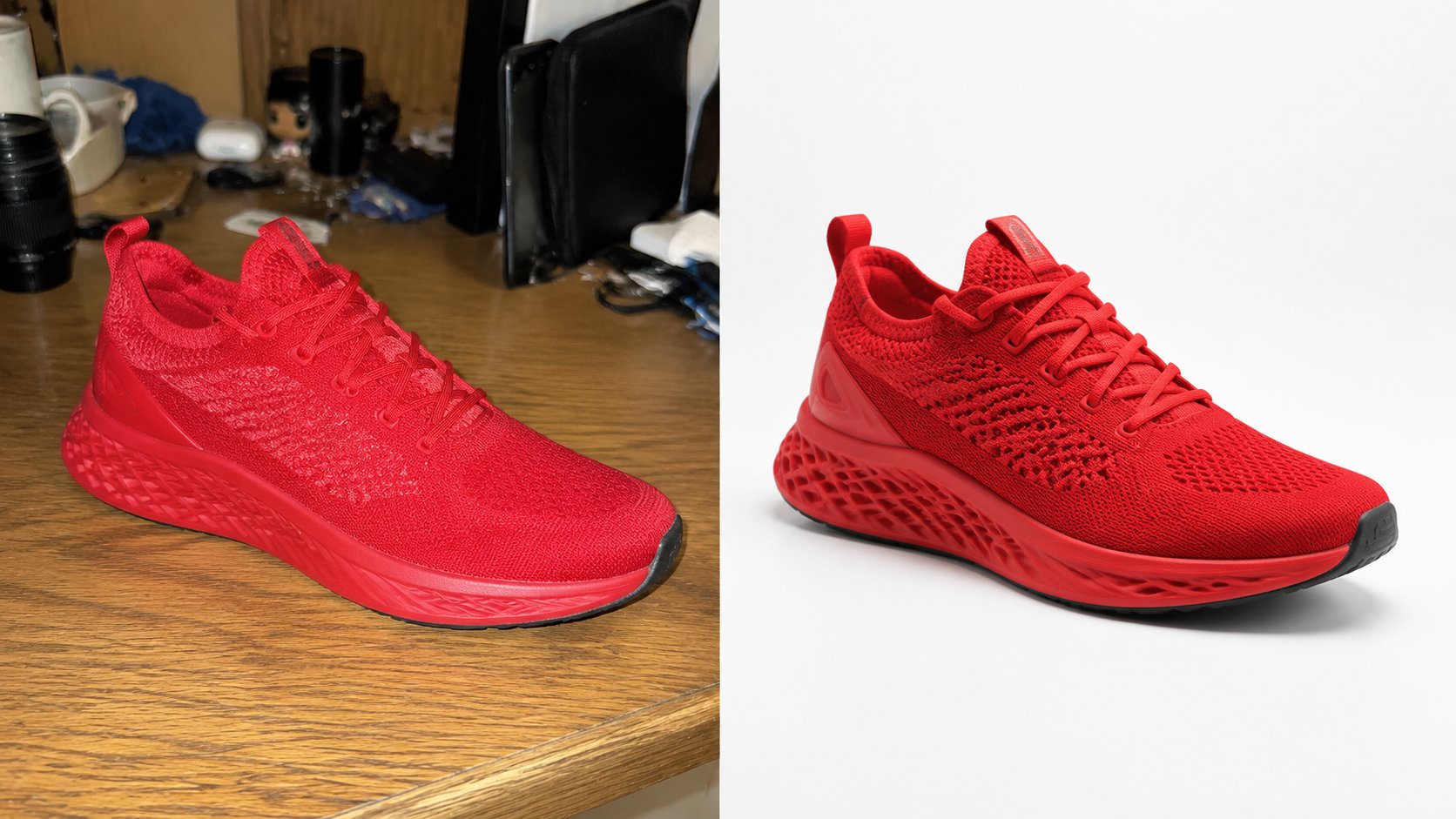
Same product, different lifestyle or studio settings for campaigns.
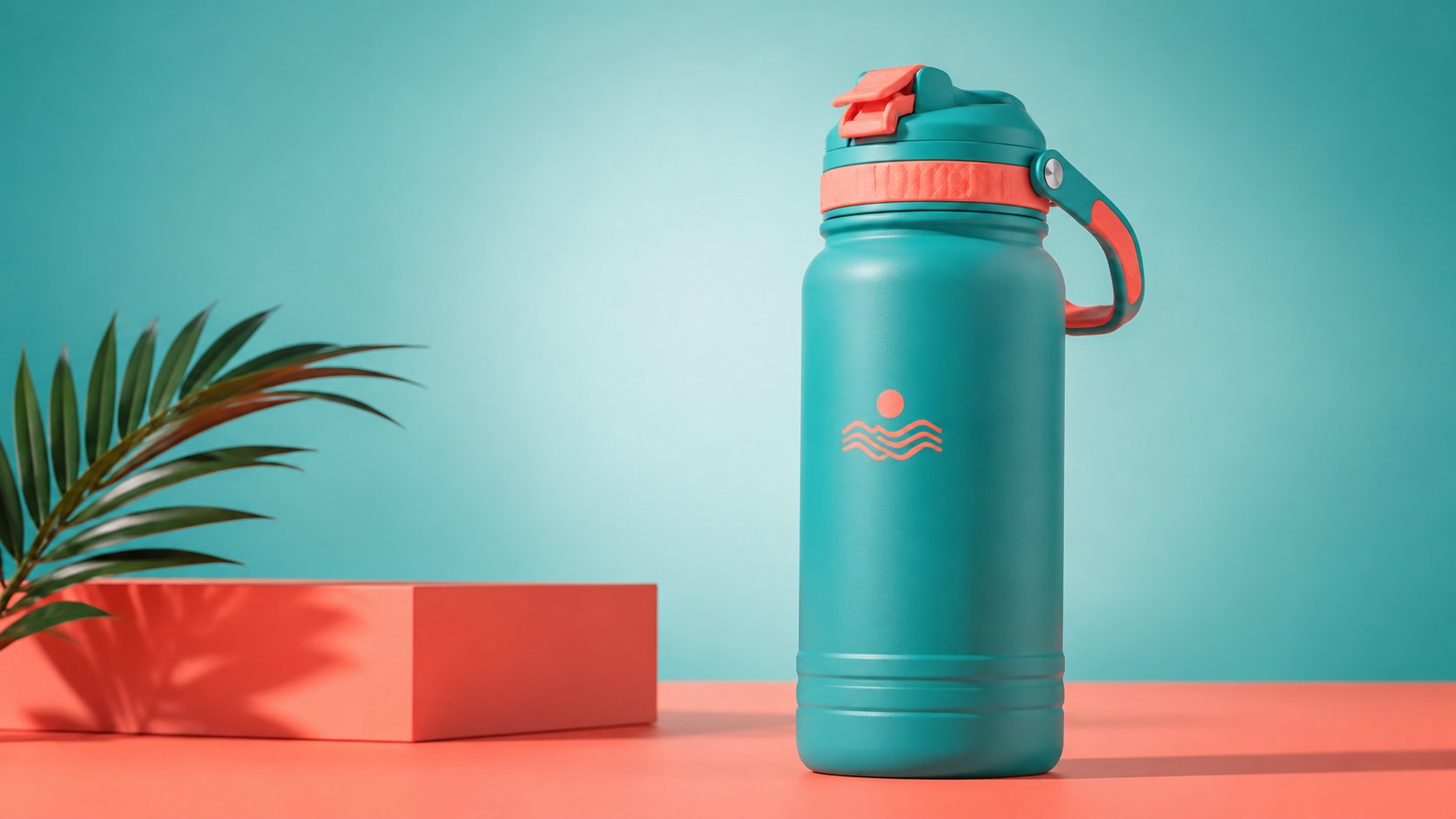
Match palette, tone, and art direction to your campaign system.
Prompt blueprint
Examples
Swap in your best before/after edits to build trust from organic search.
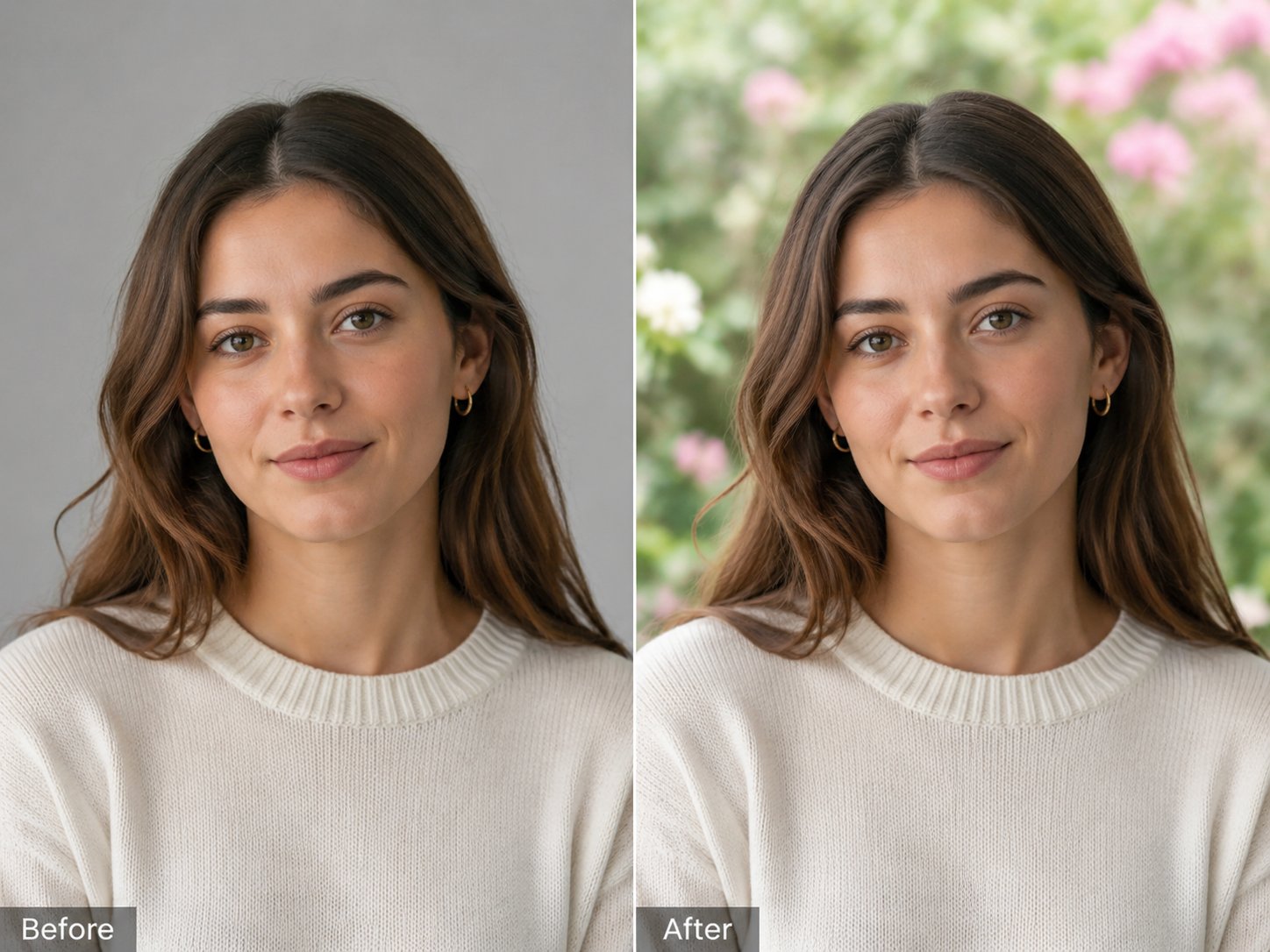
Subject preserved; environment and bokeh replaced.

Product or furniture anchored; room style updated.
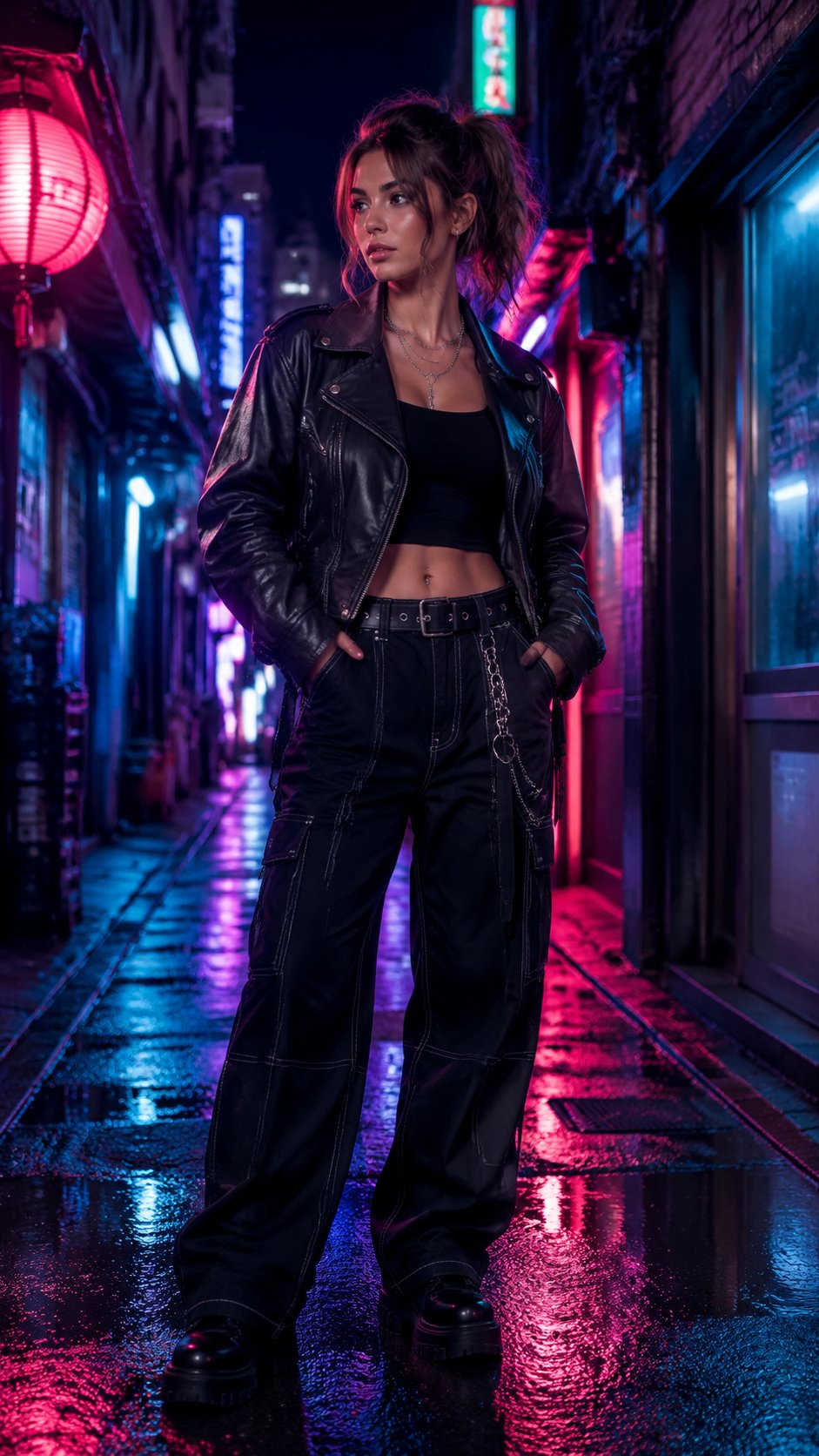
Outfit kept; dramatic location swap for 9:16 social.
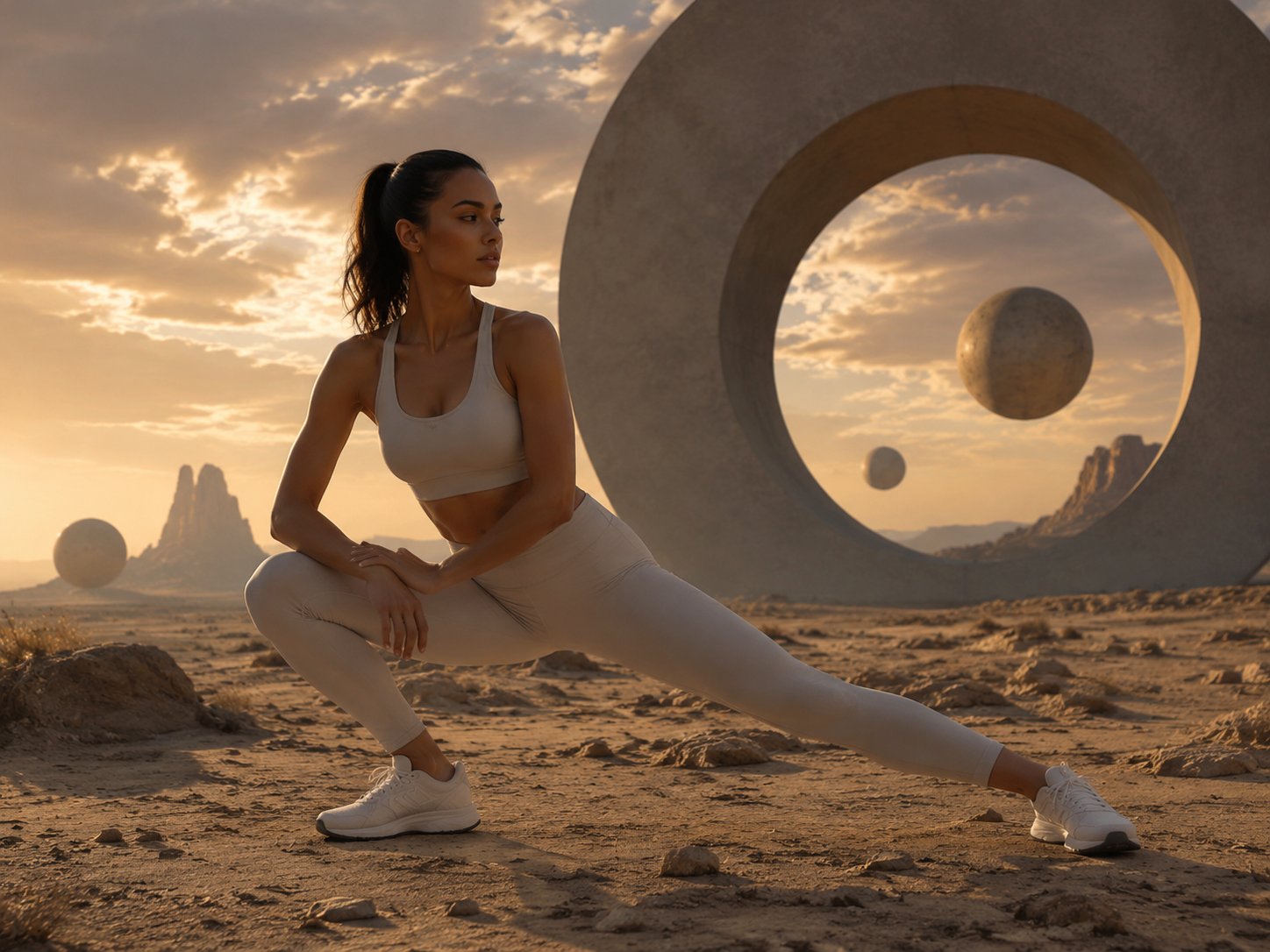
Elements combined from several still guides into one cohesive frame.
It uses one or more reference uploads as an anchor, then generates a new still from your prompt. You control what stays and what changes—ideal for edits, not blank-slate ideation.
At least one is required; you can add up to eight. Generate stays disabled until at least one upload completes.
Nano Banana 2 and GPT Image 2 (from the live catalog). GPT Image 2 only accepts JPEG, PNG, or WebP references up to 10 MB each.
Up to 4,000 characters with a soft reminder above 1,000. Lead with preservation clauses, then list changes.
Tell the model to preserve the subject and foreground, then describe the new background and matching light direction.
Use Text to Image for exploration when you have no reference yet. Move to Image to Image once you have a base worth refining.
GPT Image 2 references must be JPEG, PNG, or WebP and no larger than 10 MB per file. Other models allow up to 12 MB per image in the default uploader.
Commercial usage depends on your plan and terms. Review the pricing page and policies before shipping at scale.
Upload, describe keep/change, and ship production stills without losing your anchor.
Explore concepts from a prompt, then bring the winner here for controlled edits.
Animate a strong still with first-frame (and optional last-frame) control.
High-fidelity references and final hero assets with strict format rules.
Fast iteration on edits and the widest aspect-ratio list.
Compare plans and credit packs for consistent production volume.