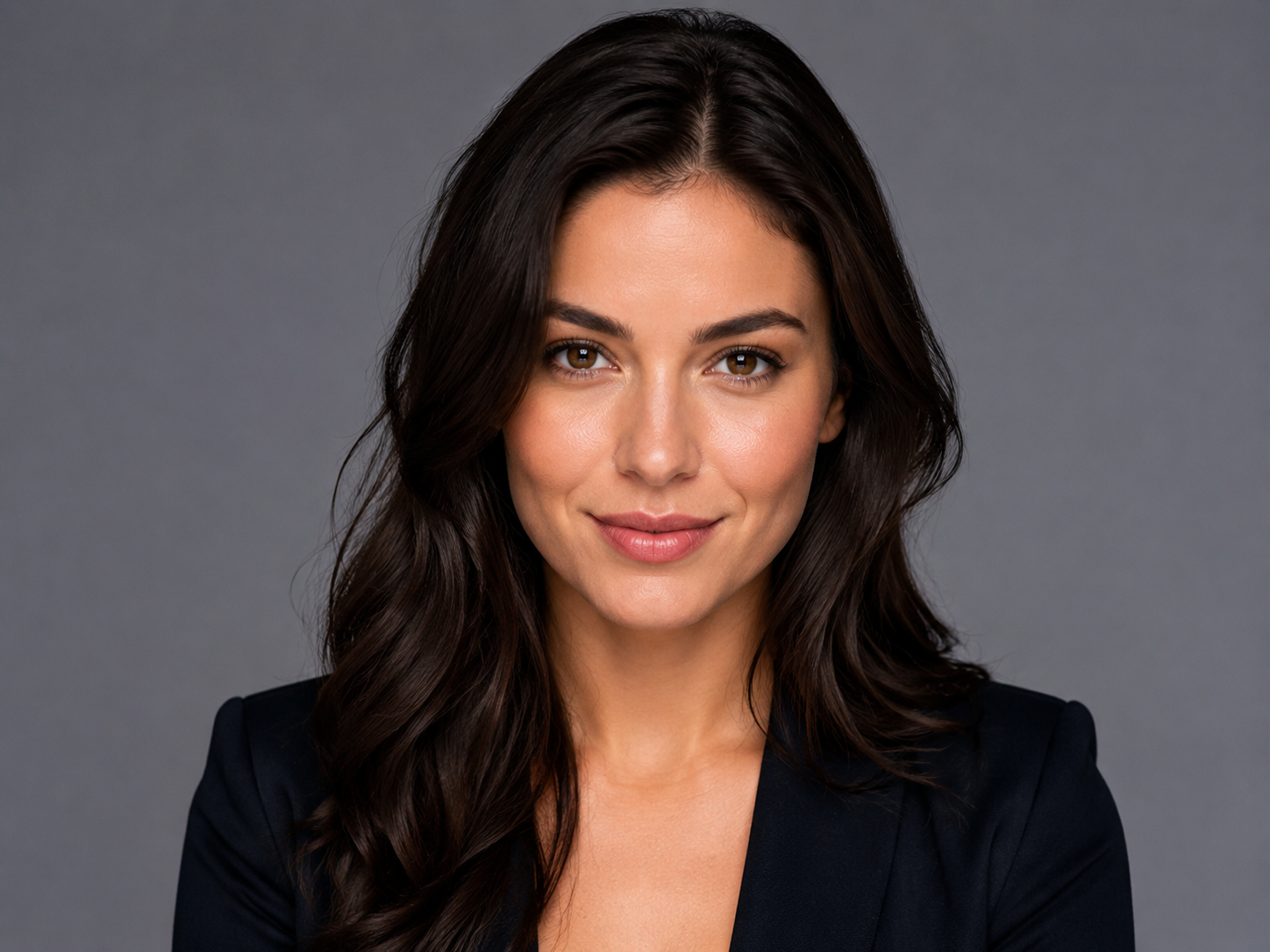
Strong first frame
Use a sharp, well-lit still with clear subject separation. The first frame is always sent as first frame (start)—it anchors identity, pose, and composition.
 Yinatrix
AI Tools / Video
Upload a first frame (required) and optional last frame—two still images, not a multi-image board. Describe motion between them and generate video with Seedance 2.0 or VEO 3.1.
Models
Dashboard → Image to Video. Both models animate from your uploaded first frame (and optional last frame)—they do not accept arbitrary multi-image reference boards here.
Inputs
You provide up to two still images with defined roles—not a gallery of multiple reference images.
Frame uploads
Because the model interpolates between defined start/end stills, frame quality and alignment matter more than prompt length.
Use a sharp, well-lit still with clear subject separation. The first frame is always sent as first frame (start)—it anchors identity, pose, and composition.
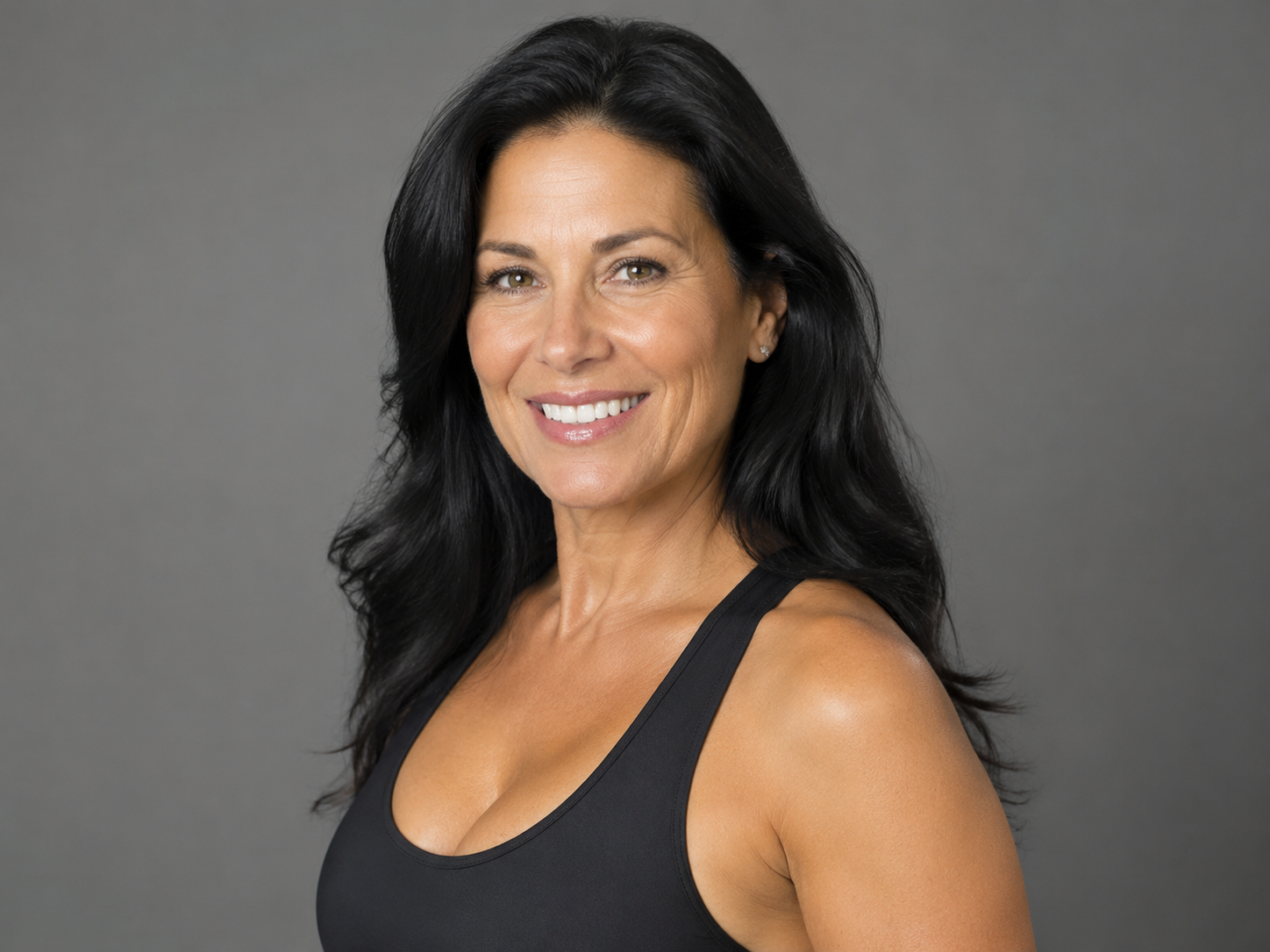
Upload a last frame (last frame) when you know the exact end composition—product fully revealed, door open, logo centered. Skip it when you only need motion from a single still.
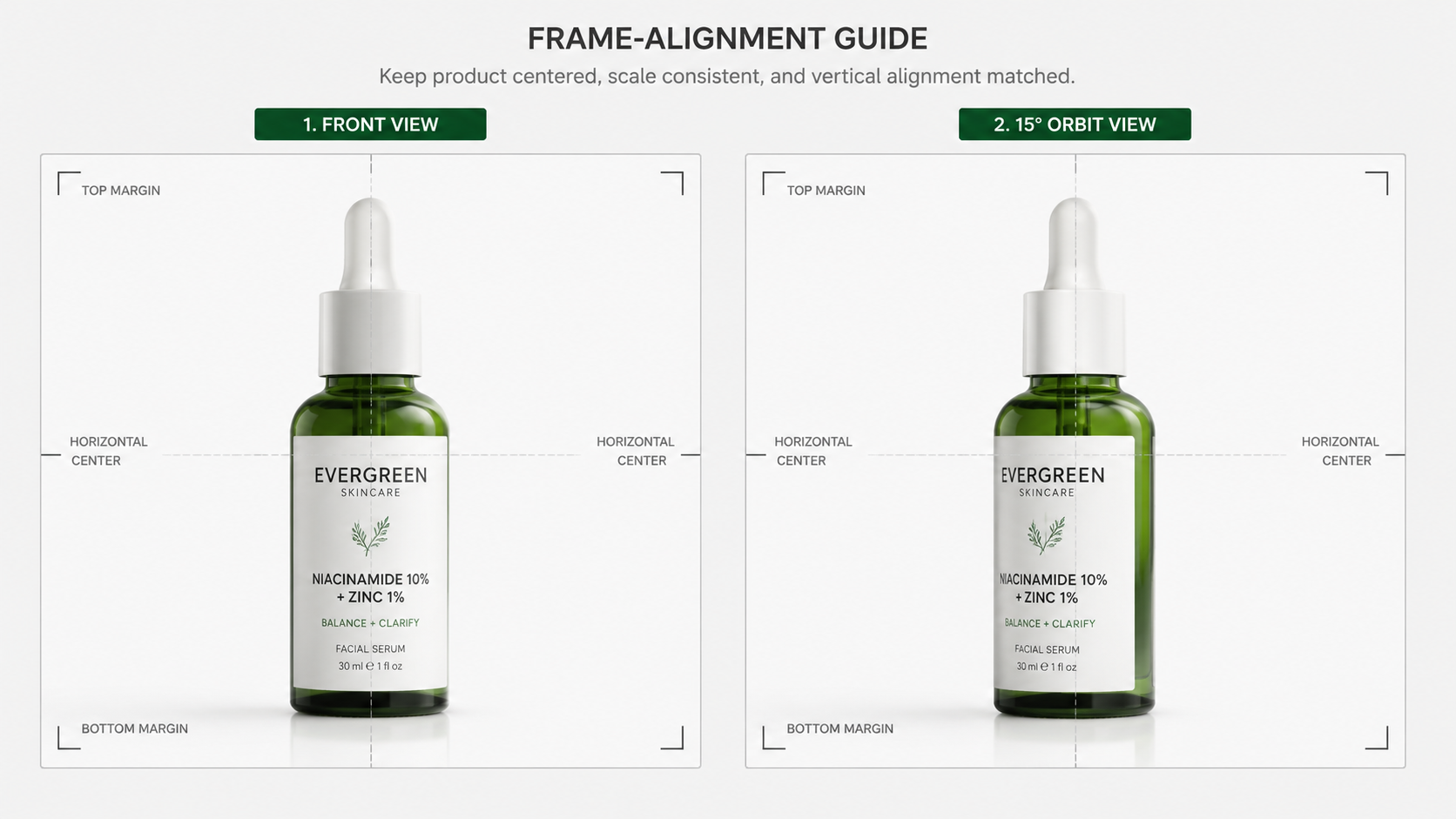
Match scale, camera angle, and color temperature between frames to reduce morph artifacts. Keep the subject in similar positions when using both frames.
Prompting
Describe camera and subject motion explicitly: “Static product on table; slow orbit clockwise; soft studio light; shallow depth of field.” One clear camera verb works best.
Keep the prompt about transition: “Smooth morph from closed box to open box with product visible; maintain label readability; gentle ease-in-out.” Let the frames define start/end.
Use plain verbs: dolly in/out, pan left/right, orbit, crane up, handheld drift. Example: “Slow dolly-in on portrait; background bokeh; golden hour rim light.”
When to use this tool
Image to Video is “defined start/end stills → motion clip.” It is not Text to Video (words only) and not Multi-images to Video (many references without frame roles).
Prompt blueprint
Examples
Replace with your best first/last frame workflows to build trust from search.
Only first frame uploaded; motion from prompt.
First and last frame define closed → open states.
Anchored face with gentle camera drift.
Studio product still with orbital motion.
No. Image to Video uses exactly two frame roles—a required first frame and optional last frame. Multi-images to Video accepts 1–9 reference images without first/last roles and only supports Seedance 2.0.
No. Only the first frame is required. Without a last frame, describe motion in your prompt (camera move, subject action).
JPEG, PNG, or WebP still images in the frame upload slots.
Seedance 2.0 and VEO 3.1 from the model picker. Settings differ: Seedance uses adaptive aspect ratio; VEO requires 16:9 or 9:16 and fixed 4/6/8s durations.
The dashboard shows “First frame image is required” and blocks Generate.
When you have no still frames yet and can describe the full shot in text only.
Up to 4,000 characters; the UI recommends around 500 for most shots.
Commercial usage depends on your plan and terms. Review pricing and policies before shipping at scale.
Upload your start still, optionally your end still, describe motion, and generate.
No frames required—describe the entire shot in words.
1–9 reference stills without first/last frame roles—Seedance 2.0 only.
Create first or last frame stills before animating.
Adaptive ratio and longer clips for frame-based animation.
Cinematic 4K outputs with 16:9 or 9:16 framing.